The CoinScope Pro tour
Every feature, the photograph it produces, and the reason it exists. Each image below is real output from the program on real coins — nothing here is a mock-up.
Coin Labels, Designed in the Program
The flip label designer is built into CoinScope Pro. Click a line on the label to select it, drag it where you want it, and undo or redo any change. Add your own text with fields such as {grade} filled in for each coin, and choose from twelve decorative rules that print straight on a thermal printer. Labels fit 2 x 2 flips, 1.75 and 1.5 inch thermal stock, or any size you set, and the last design you used opens next.
Live views
Every one of these runs on the moving picture, not on a saved photograph. You see the crack while the coin is still under the lens – which is the difference between finding one and photographing one you already found.
Normal
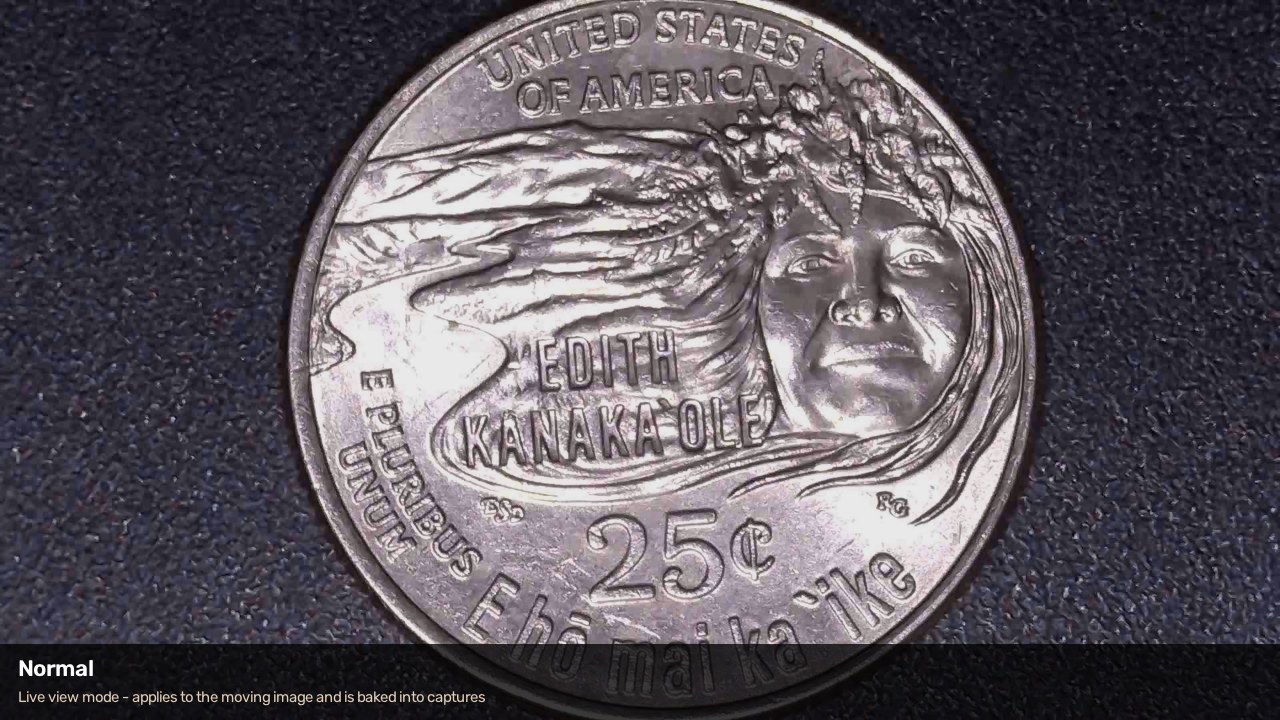
The untouched frame. Deliberately exempt from every automatic adjustment in the program, because there has to be one view that is exactly what the camera sees – a reference you can trust when you start doubting the others.
Raking light
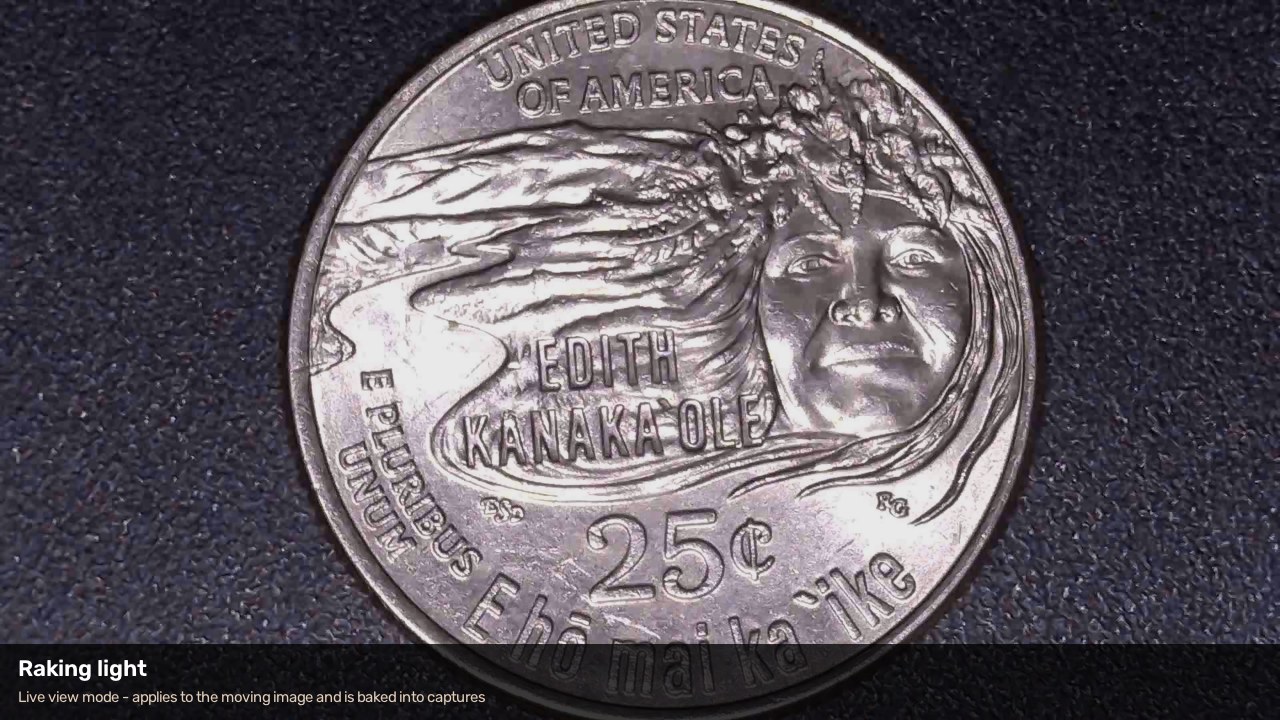
A virtual lamp held low over the coin and orbited around it, exactly like tilting a coin under a desk lamp. Colour, lustre and detail are kept; only the relief is deepened. It works on the live image and on a photograph you are reviewing, and the info bar always states the lamp’s angle – a shadow the software added must never be mistaken for relief the coin has.
Heat map
Colours what is worth colouring, not just brightness. Four sources answer four different questions – local contrast, brightness, slope, edge crowding – and the scale follows the COIN rather than the frame, so the same coin reads the same whether it fills the view or sits in the middle of the benchtop.
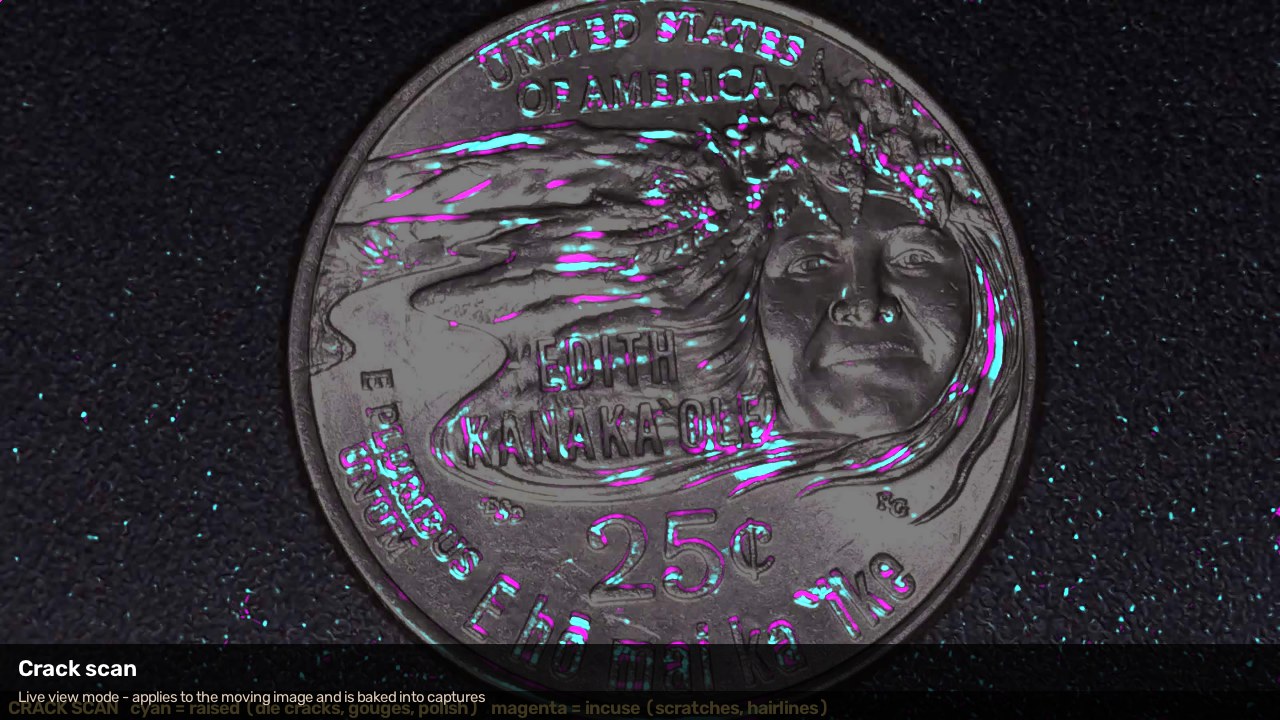
Crack scan
Finds raised lines by their shape rather than their brightness, which is what separates a die crack from a scratch. A crack is metal the die pushed up; a hairline is metal something took away. One adds value and the other destroys it, so the distinction is the whole point.
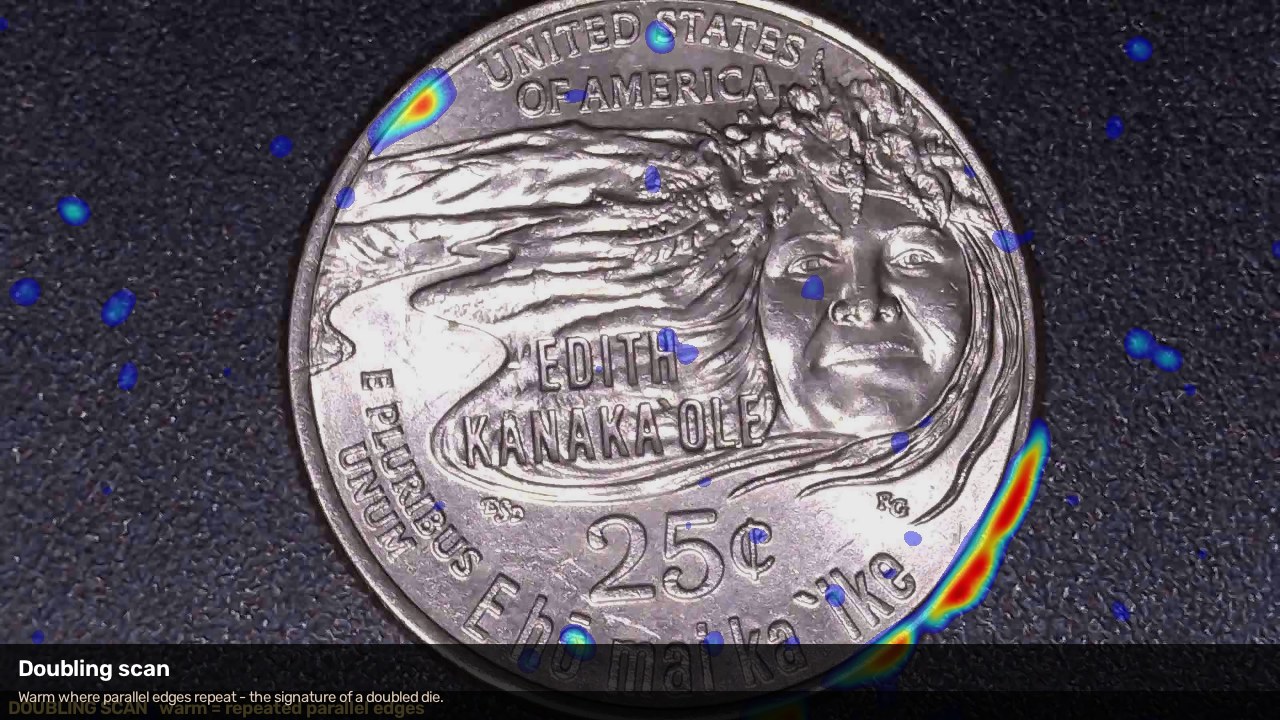
Doubling scan
Warm colour where parallel edges repeat at a consistent spacing – the signature of a doubled die. Built after nine other approaches were tried and honestly reported as failures; this one survived because it measures repetition rather than guessing at it.
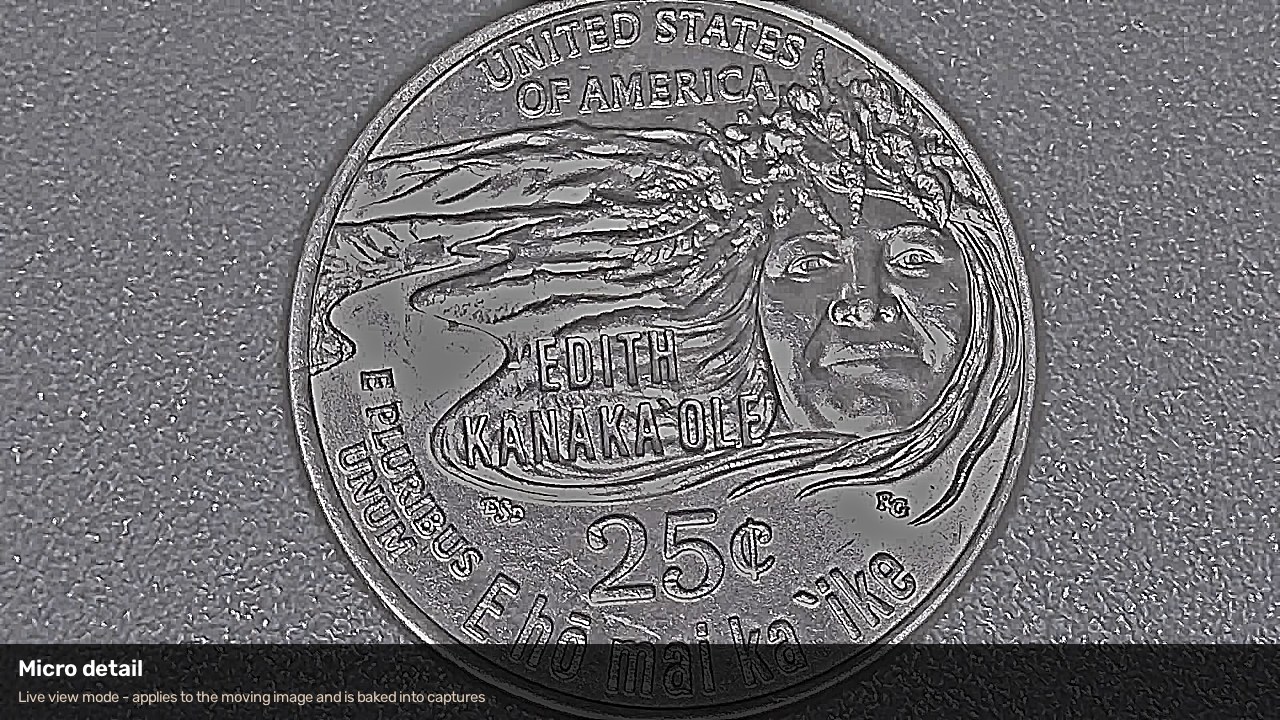
Micro detail
Pulls out the finest frequencies in the image – the scale at which flow lines, polish and die erosion live – without the halos that heavy sharpening leaves behind.
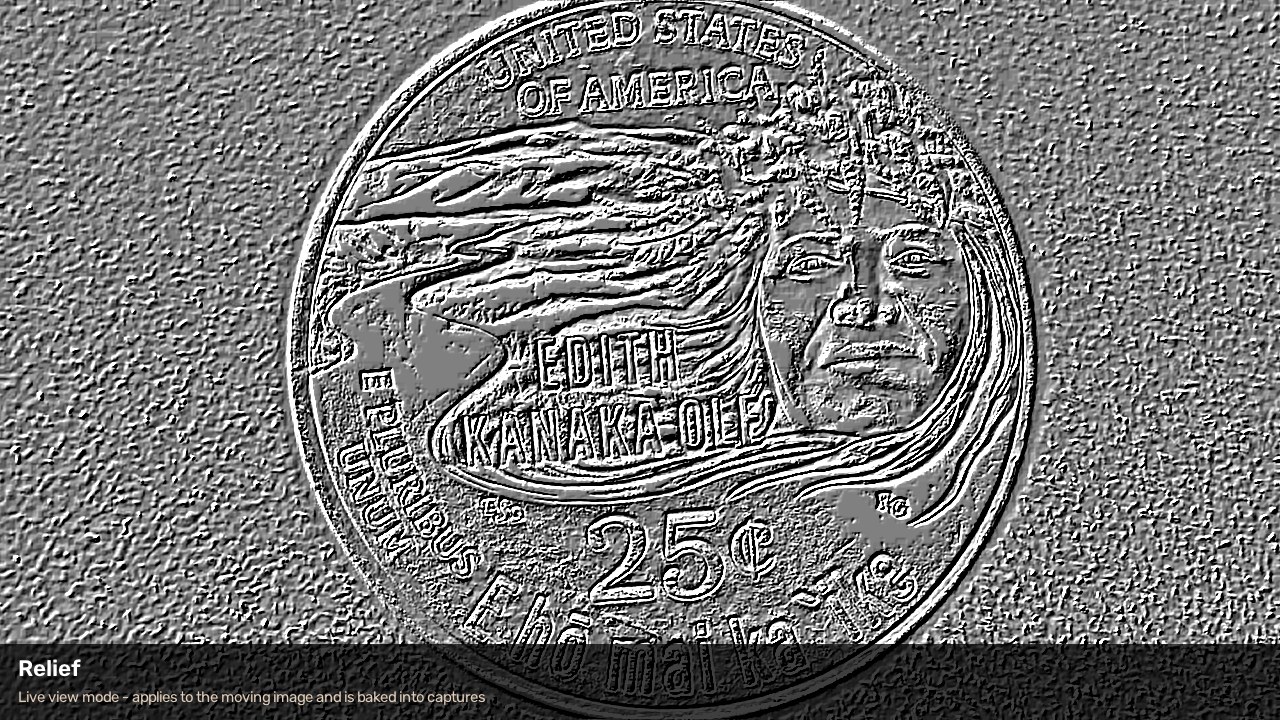
Relief
Directional relief from a chosen angle, for reading the shape of a device quickly when you do not need a full terrain analysis.
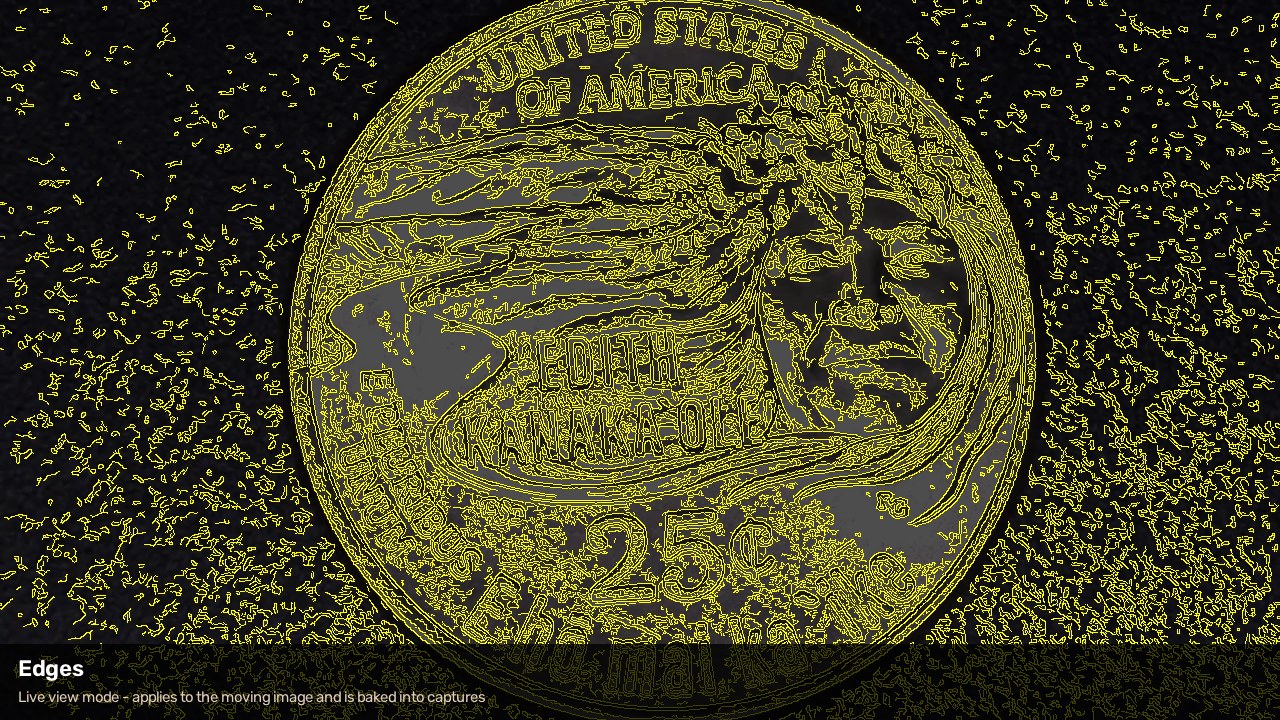
Edges
Edge detection drawn over a darkened picture. The fastest way to trace the outline of a device or follow the path of a crack across a field.
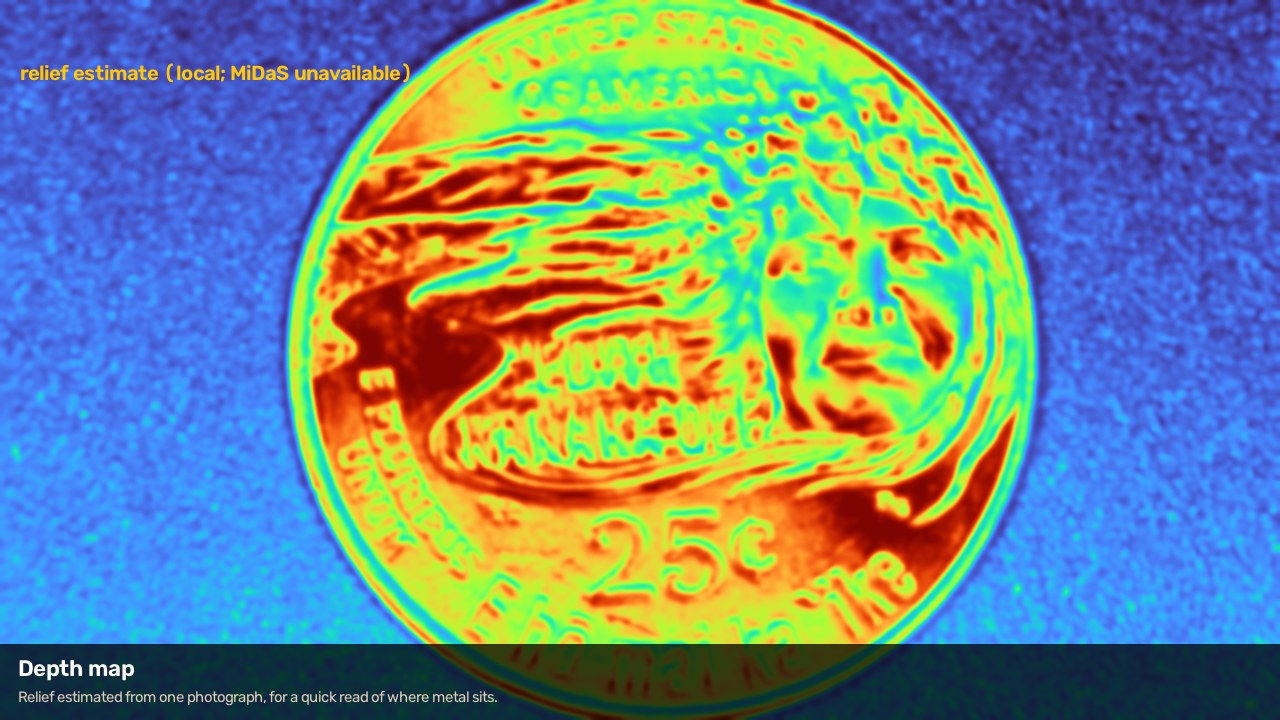
Depth map
Relief estimated from a single photograph. Labelled as INFERRED wherever it appears, because relief guessed from one image is a plausible reconstruction and not a measurement – and on a coin that difference decides whether you are looking at a variety or at a shadow.
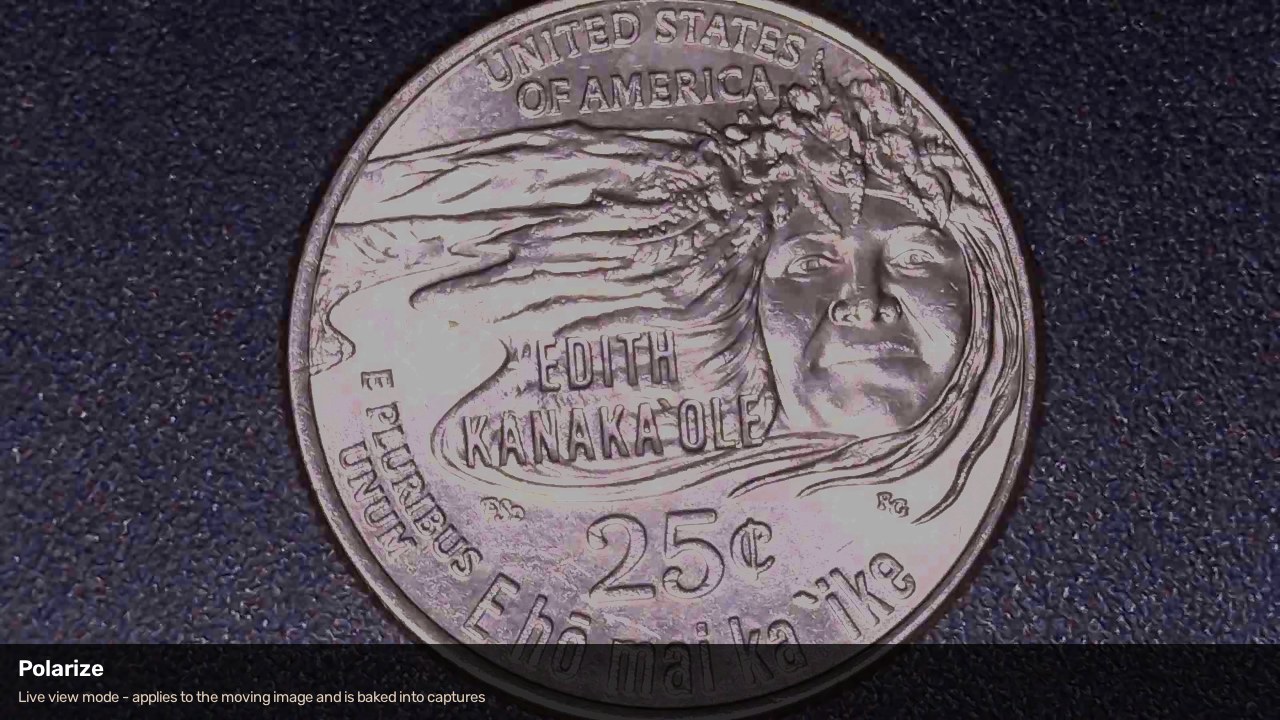
Polarize
A simulated polarising filter. Rotating the angle cuts glare coming from a particular direction, which is how you read a proof surface without the lamp reflecting straight back at you.
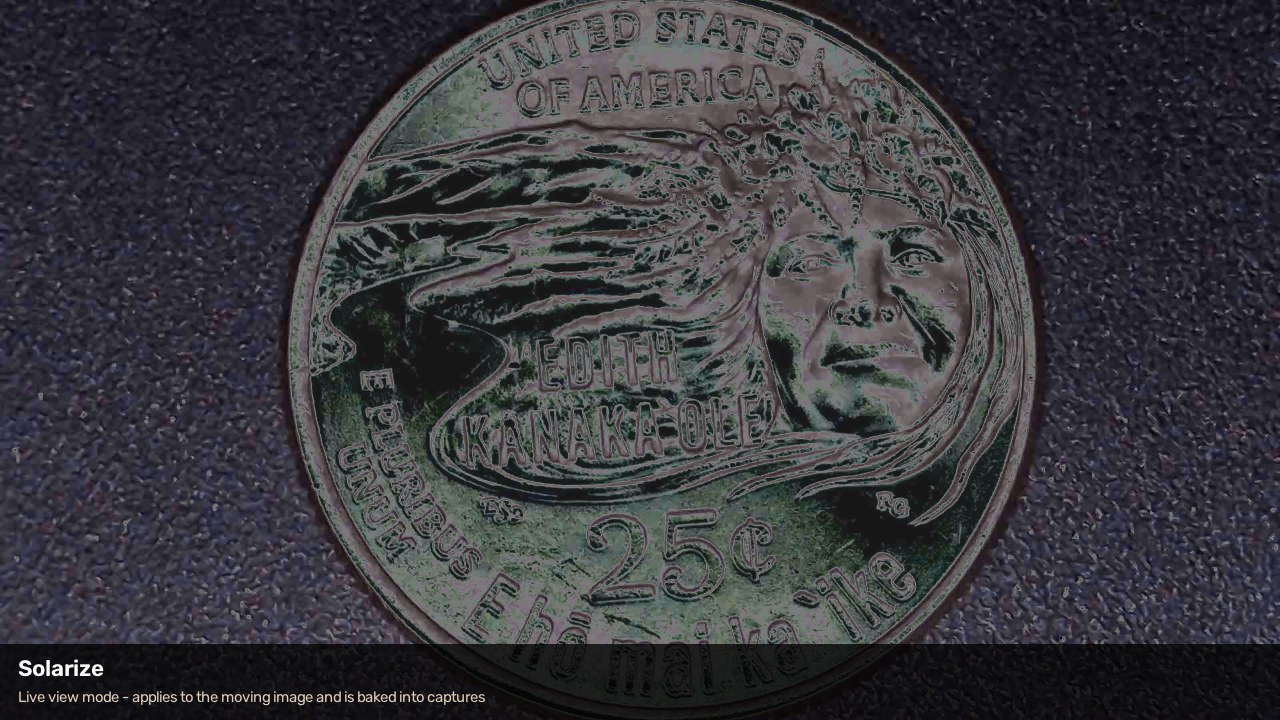
Solarize
Tones above a threshold invert. The hard edge that creates makes shallow relief jump out – a trick borrowed from the darkroom that happens to suit low-relief coinage.
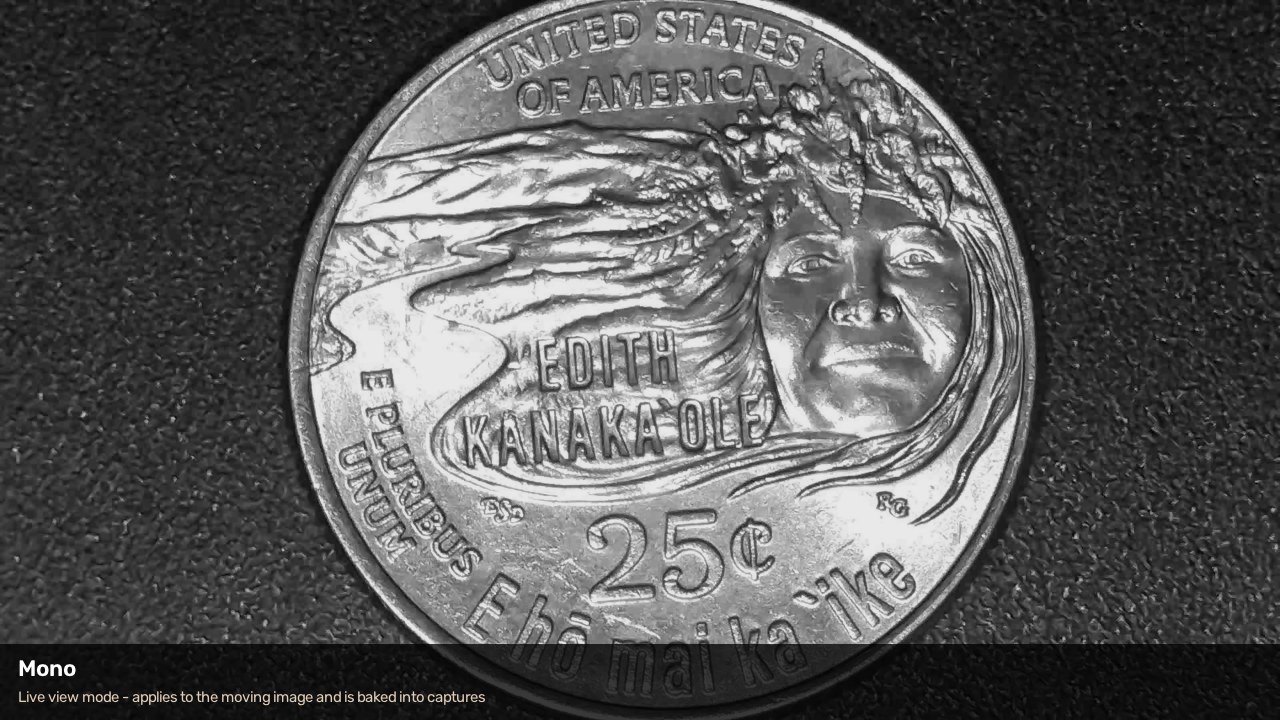
Mono
Colour removed. Toning is beautiful and it is also a distraction when what you are judging is the shape of the metal underneath it.
The heat map, four ways
A heat map that only recolours brightness tells you what you could already see. Each source answers a different question about the surface.
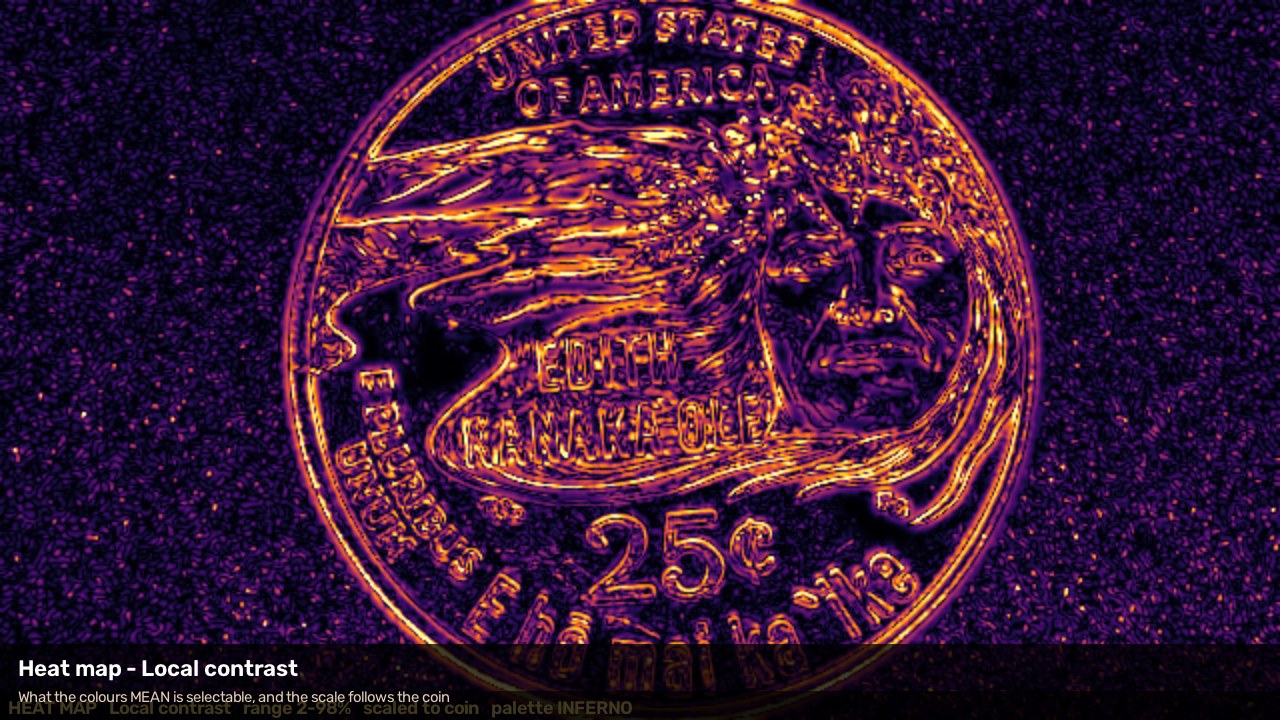
Local contrast
Paints fine surface detail – the scale at which polish, flow lines and erosion live. The default, because it is the one that most often shows something new.
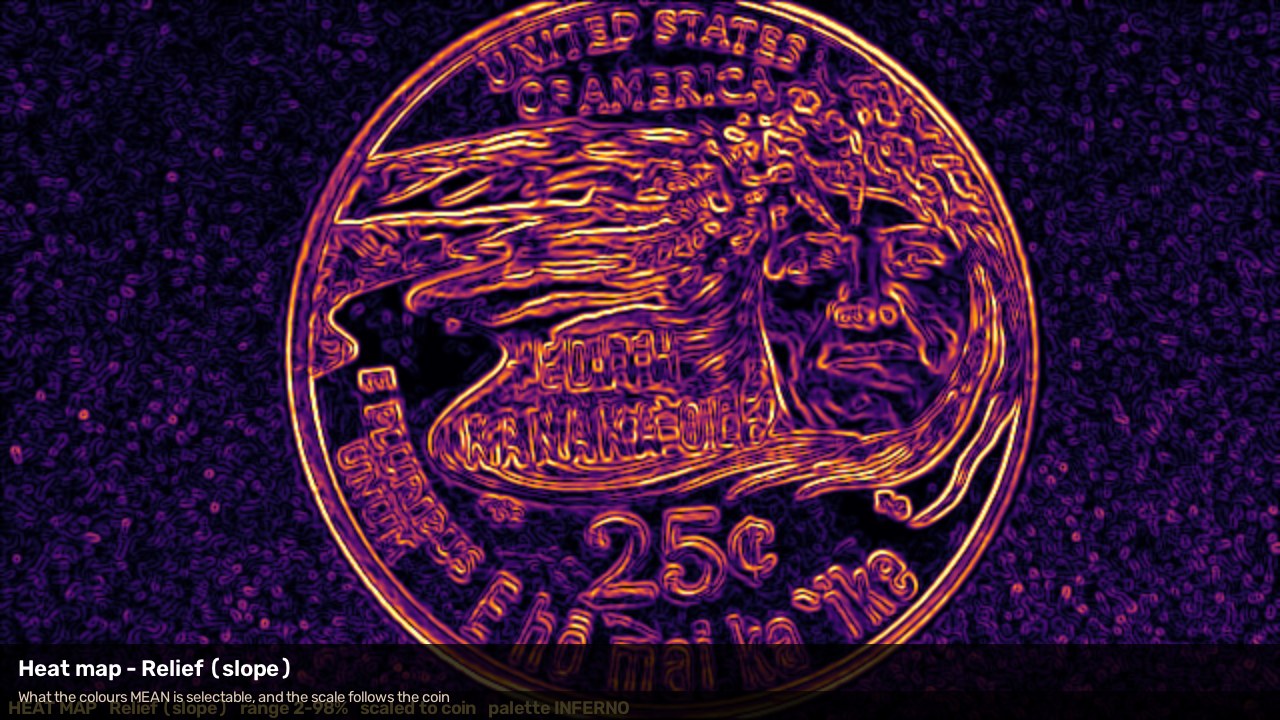
Relief (slope)
Paints steepness. Raised edges run hot, so a device’s wall and a crack’s shoulder stand out from the field around them.
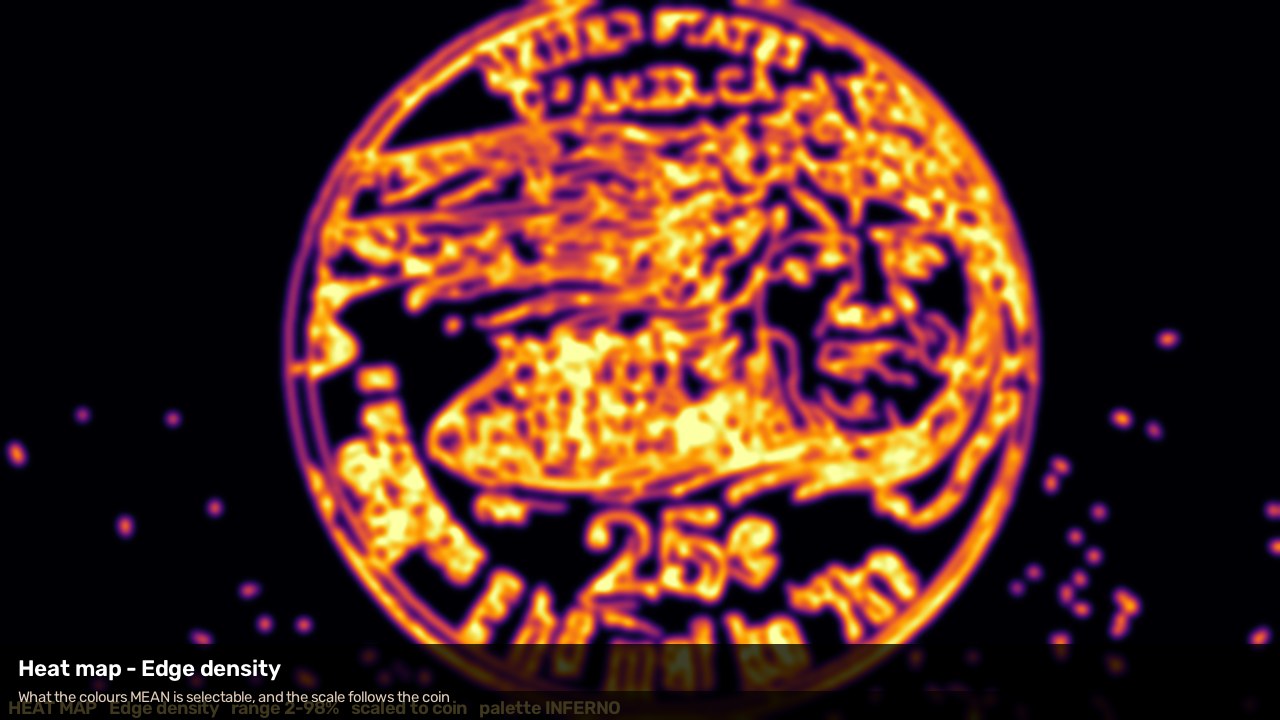
Edge density
Paints crowding. Where many edges gather in a small area you are usually looking at damage, deterioration, or a doubled device.
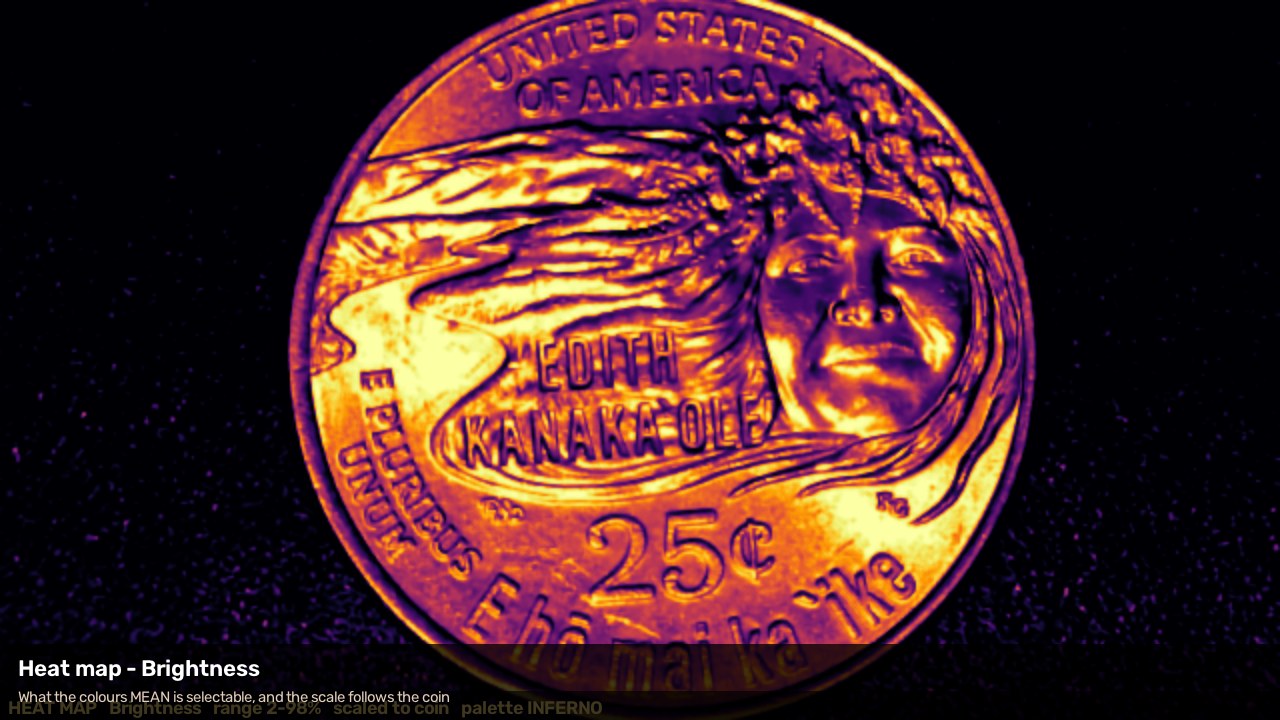
Brightness
The plain tonal map, kept because sometimes the honest answer is that you want to see the lighting itself.
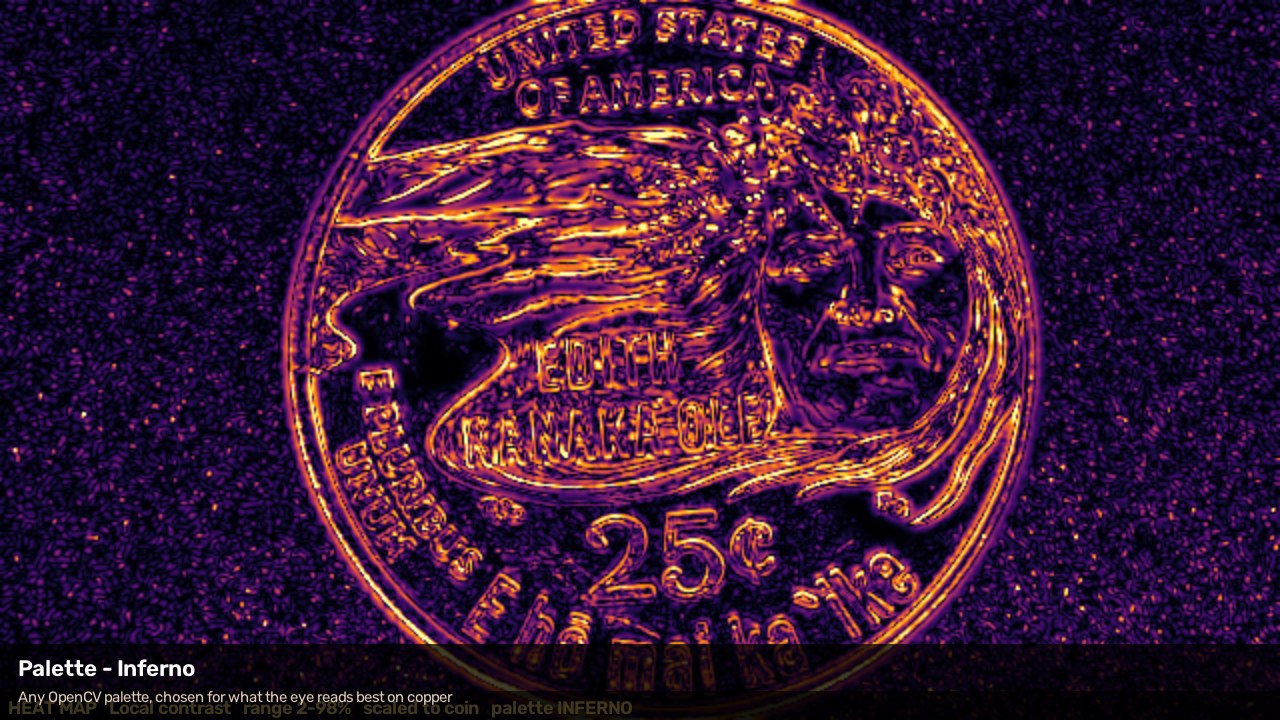
Palette – Inferno
The default. Perceptually even, so equal steps in the data look like equal steps to the eye – which matters when you are judging how much stronger one area is than another.
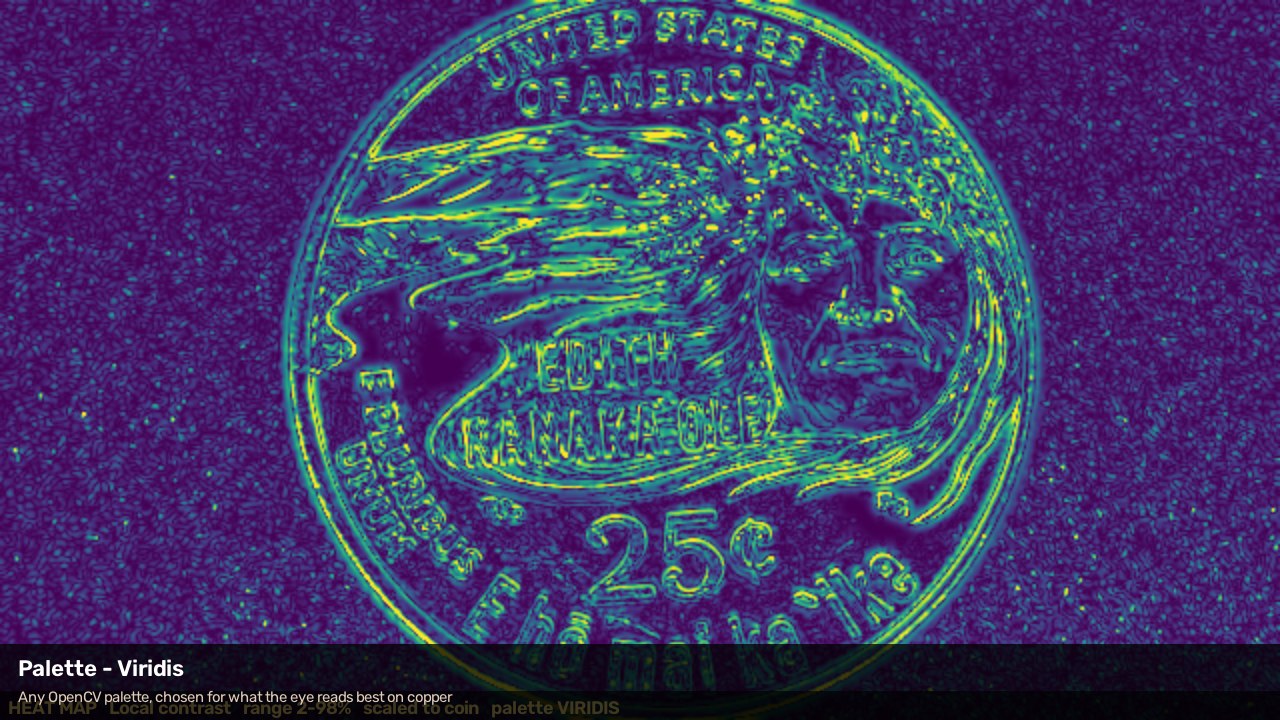
Palette – Viridis
Also perceptually even, and readable by the most common forms of colour blindness.
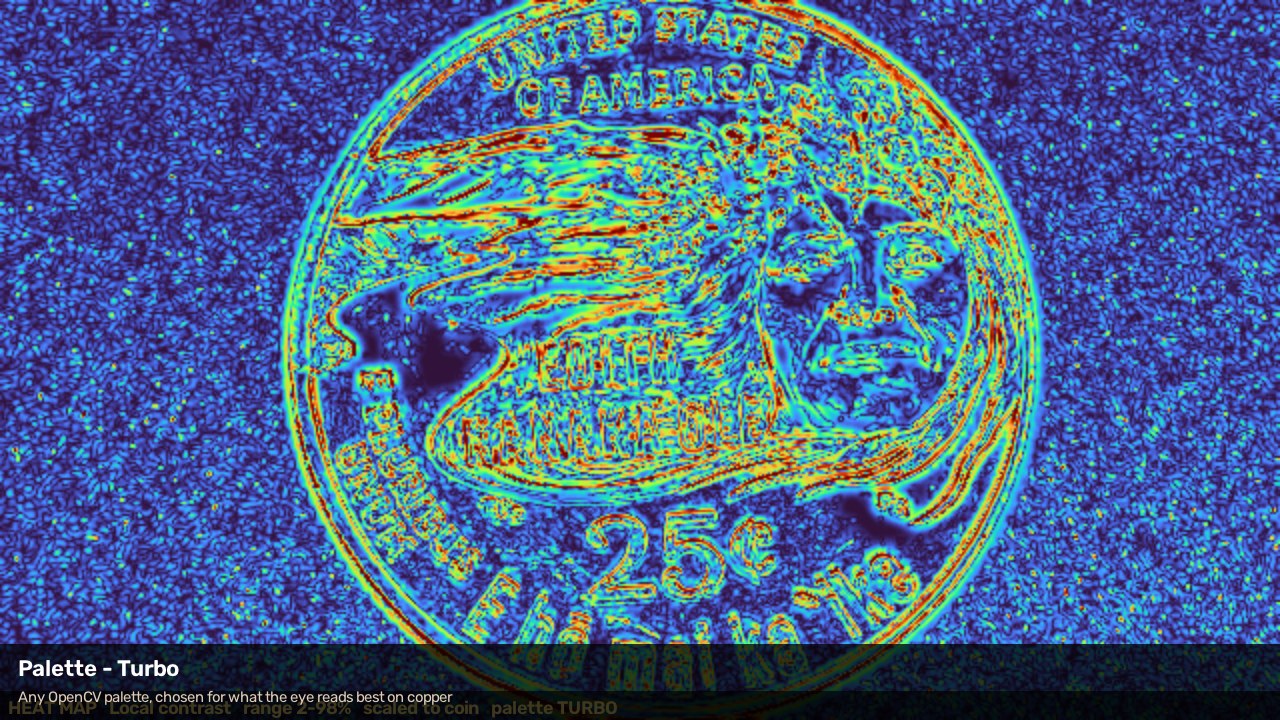
Palette – Turbo
High contrast across the middle of the range, for pulling apart values that sit close together.
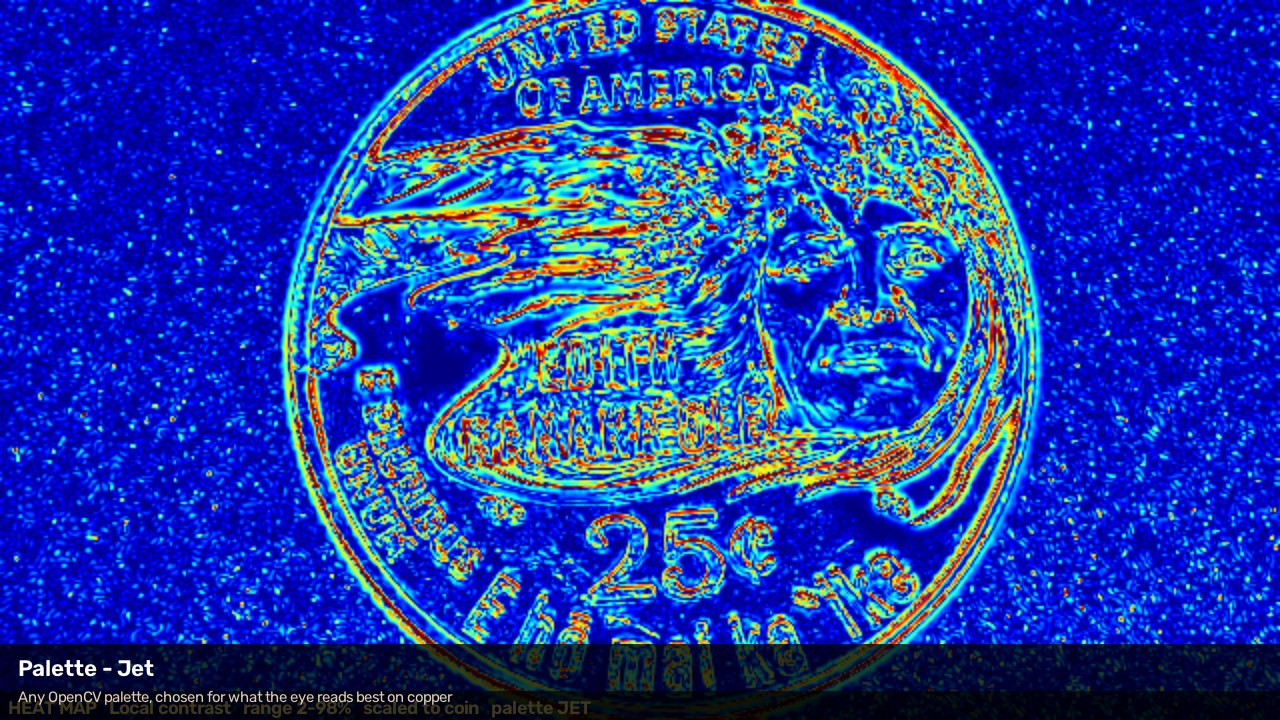
Palette – Jet
The familiar rainbow. Included because people expect it, with the caveat that it exaggerates some differences and hides others.
The virtual lamp
Machine doubling is sometimes just a shadow. The only thing that separates a shadow from raised metal is moving the light and watching what happens – so the lamp moves.
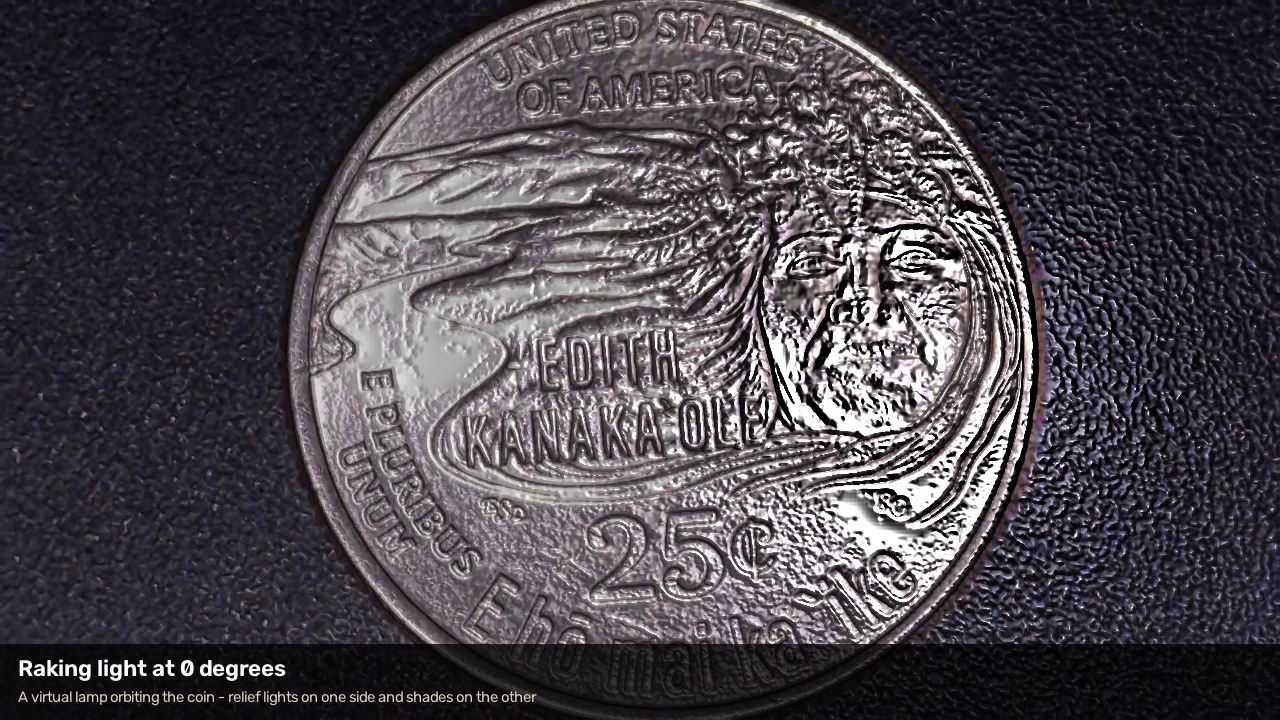
Lamp at 0 degrees
Light from the right. Relief on that side lights; the far side shades.
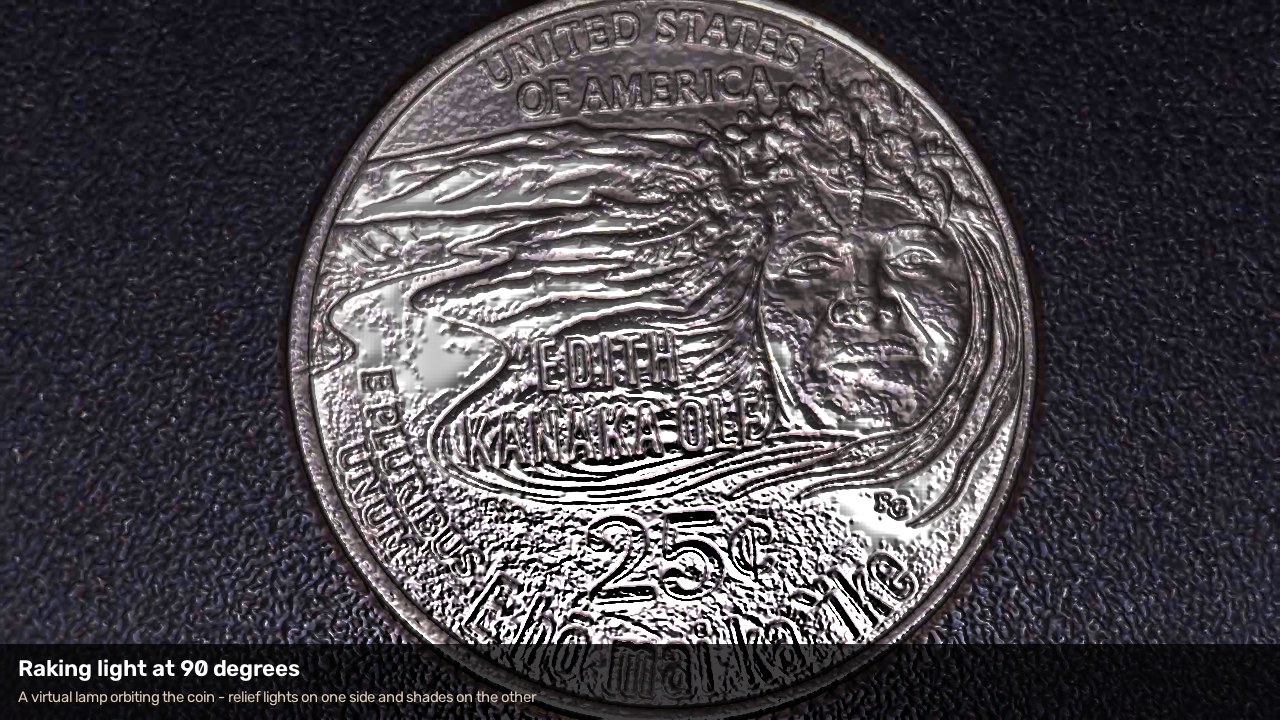
Lamp at 90 degrees
Light from below. Anything that stayed bright through both is not a shadow.
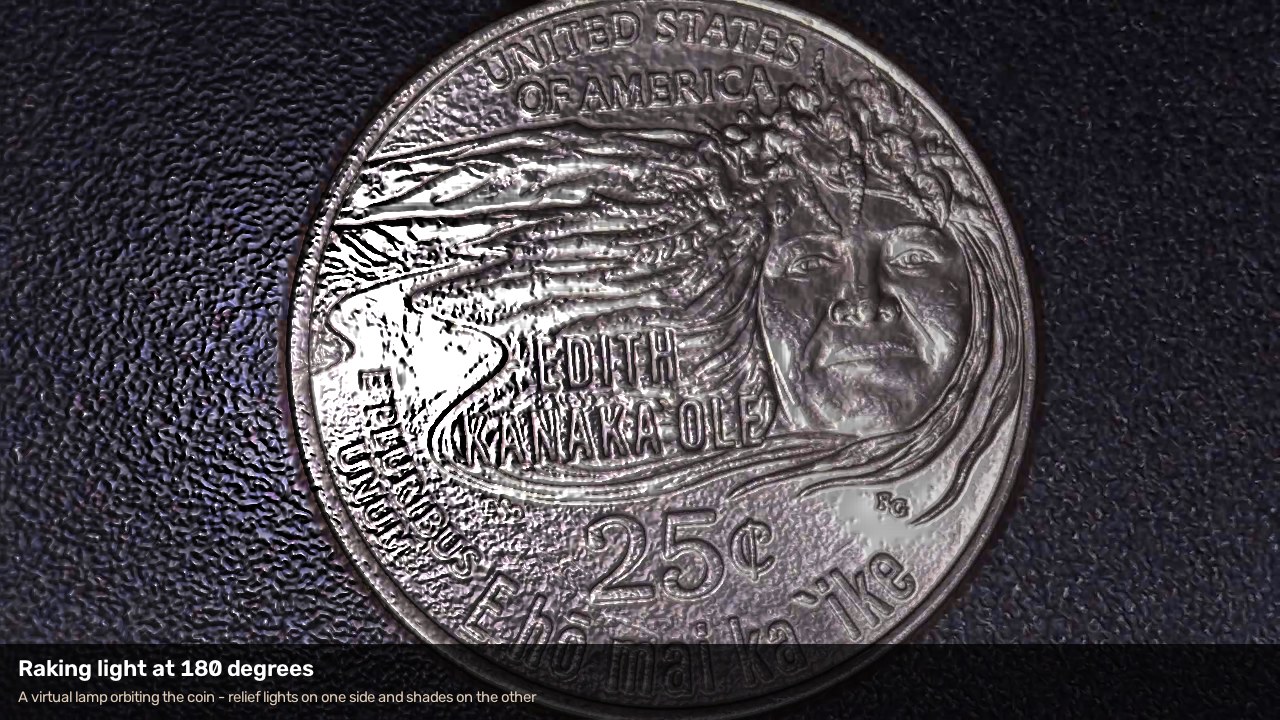
Lamp at 180 degrees
Directly opposite the first. Real relief swaps its lit and shaded sides; a mark in the surface does not.
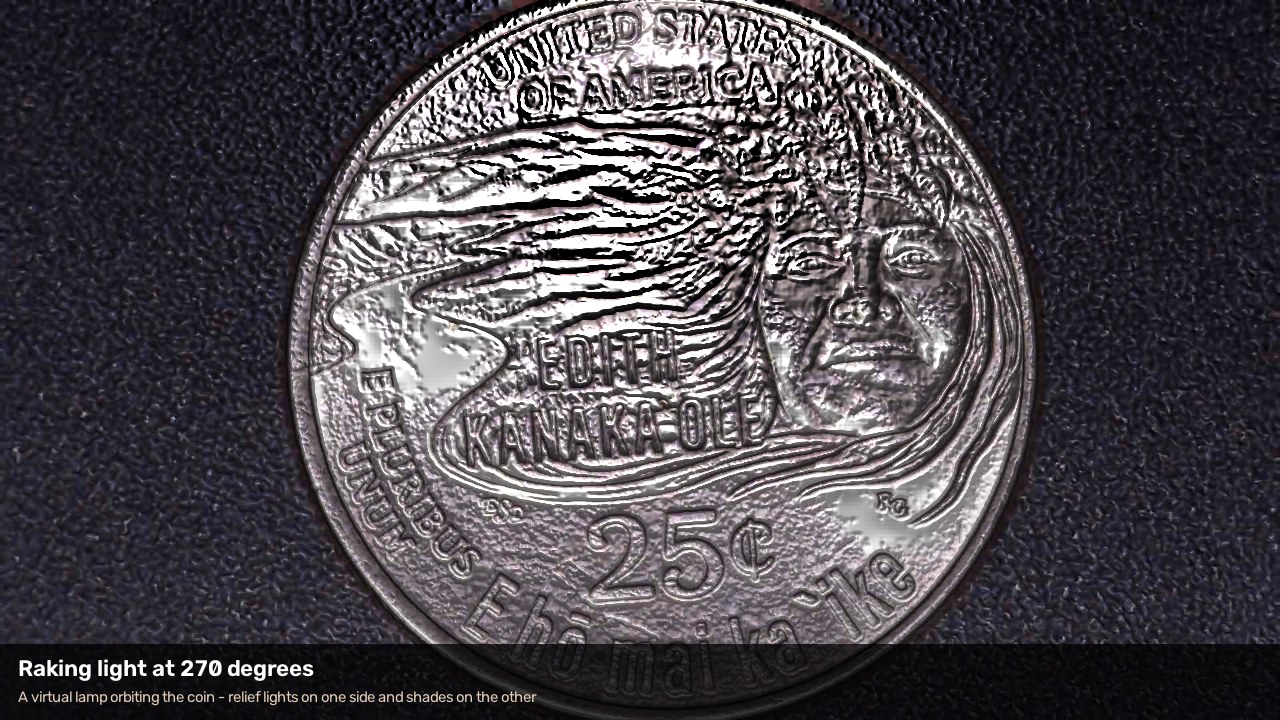
Lamp at 270 degrees
The fourth quarter. Four directions is also exactly what photometric stereo needs, which is why the capture button offers them.
Surface terrain – geospatial analysis
A coin is a landscape a few hundred microns tall. Land survey has spent decades building tools to describe ground – ridges, hollows, how enclosed a point is, how much sky it can see – and every one of them applies to a struck surface. Views marked INFERRED are reconstructed from one photograph; the measured path needs real lamp movement.
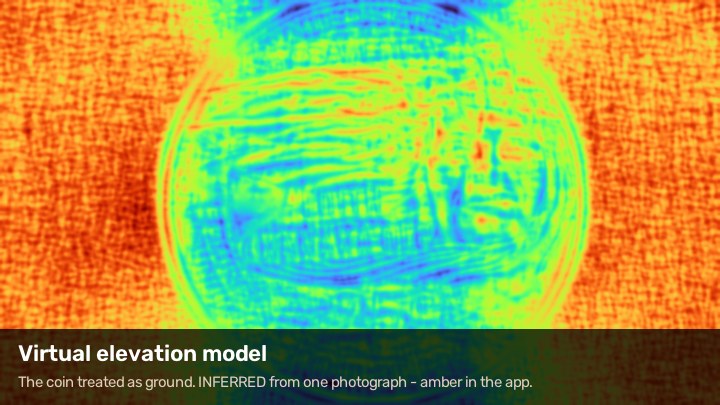
Virtual elevation model
The coin treated as ground: an elevation model every other terrain view is computed from. Marked amber in the program because it is INFERRED from one photograph, not measured.
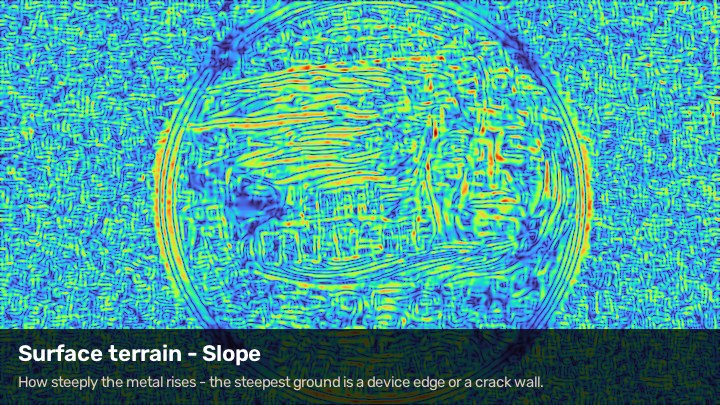
Slope
How steeply the metal rises. The steepest ground on a coin is a device edge or the wall of a crack.
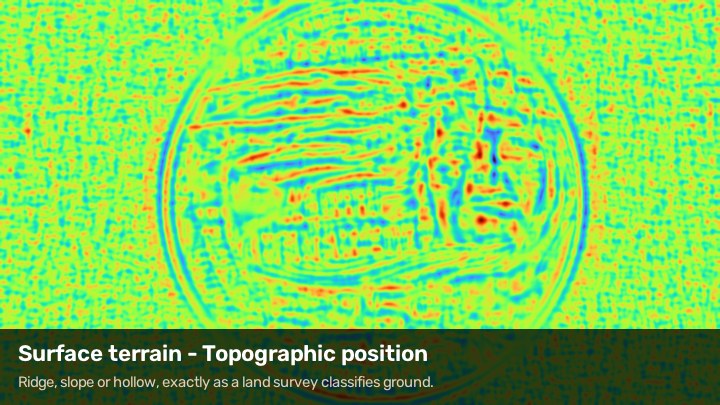
Topographic position index
Classifies each point as ridge, slope or hollow by comparing it with its surroundings – the same calculation a geologist uses to find a valley floor.
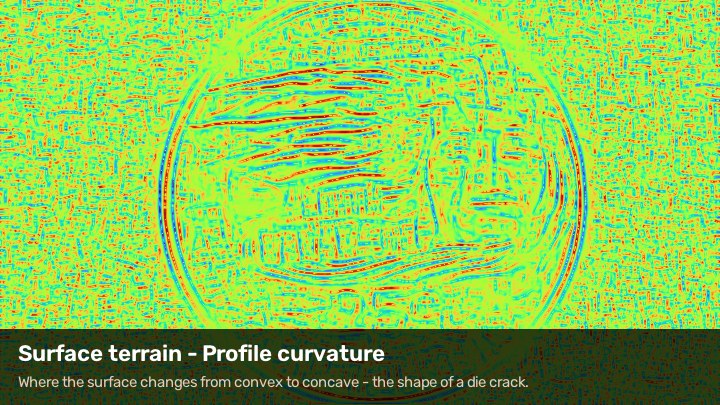
Profile curvature
Where the surface turns from convex to concave. A die crack has a curvature signature a scratch does not.
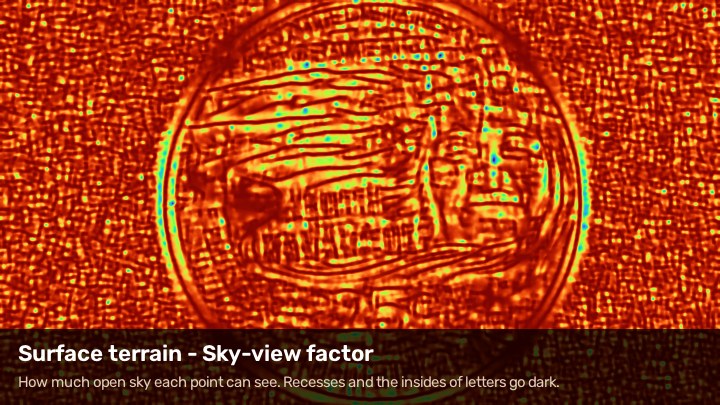
Sky-view factor
How much open sky each point can see. Recesses, the insides of letters and the floors of cracks go dark – which is exactly where damage hides from ordinary lighting.
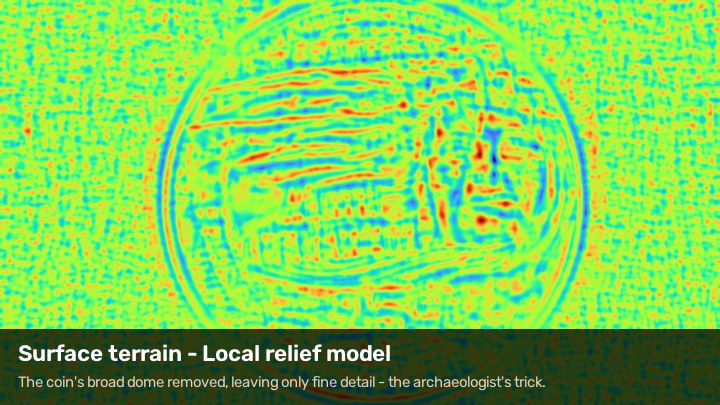
Local relief model
Removes the coin’s broad dome and keeps only fine detail. Archaeologists use it to find earthworks under a hillside; here it finds detail under the curve of the field.
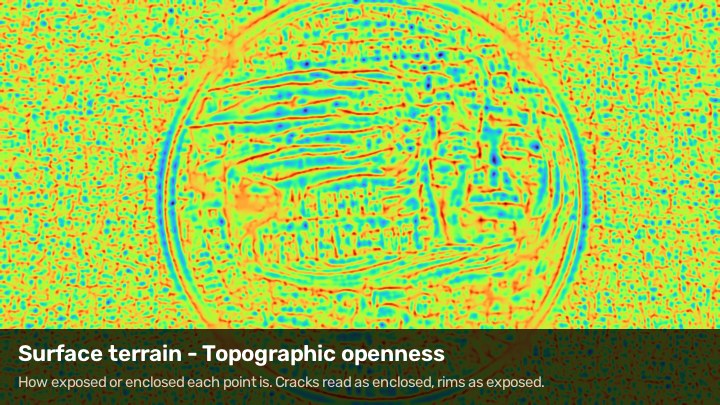
Topographic openness
How exposed or enclosed each point is. Cracks read as enclosed, rims as exposed, and the two are separated without any threshold being chosen by hand.
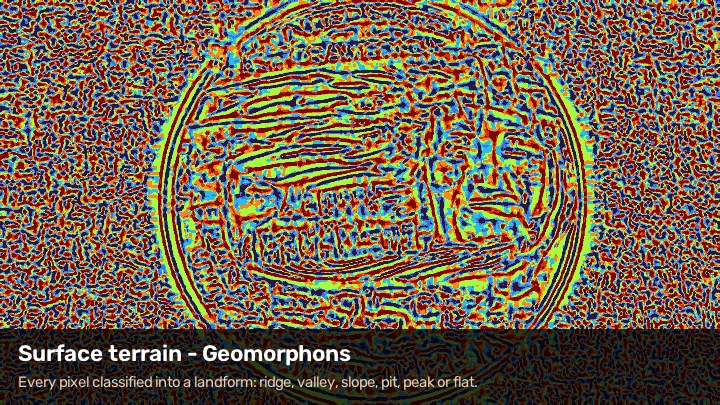
Geomorphons
Every pixel classified into a landform type – ridge, valley, slope, pit, peak or flat. A whole-surface map of what KIND of ground each part of the coin is.
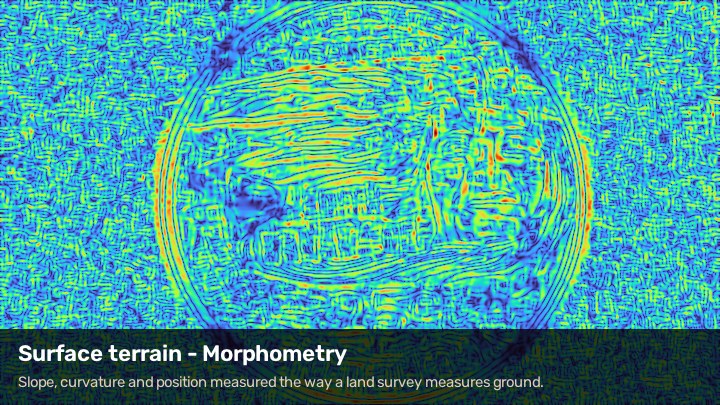
Morphometry
Slope, curvature and position measured together, the way a survey describes ground rather than the way a photo filter describes pixels.
The darkroom – live, not after the fact
Twenty-two adjustments, applied to the MOVING picture and baked into what you capture. Nothing here invents detail: no AI upscaling and no generative fill, because on a coin that is the difference between finding a die crack and drawing one.
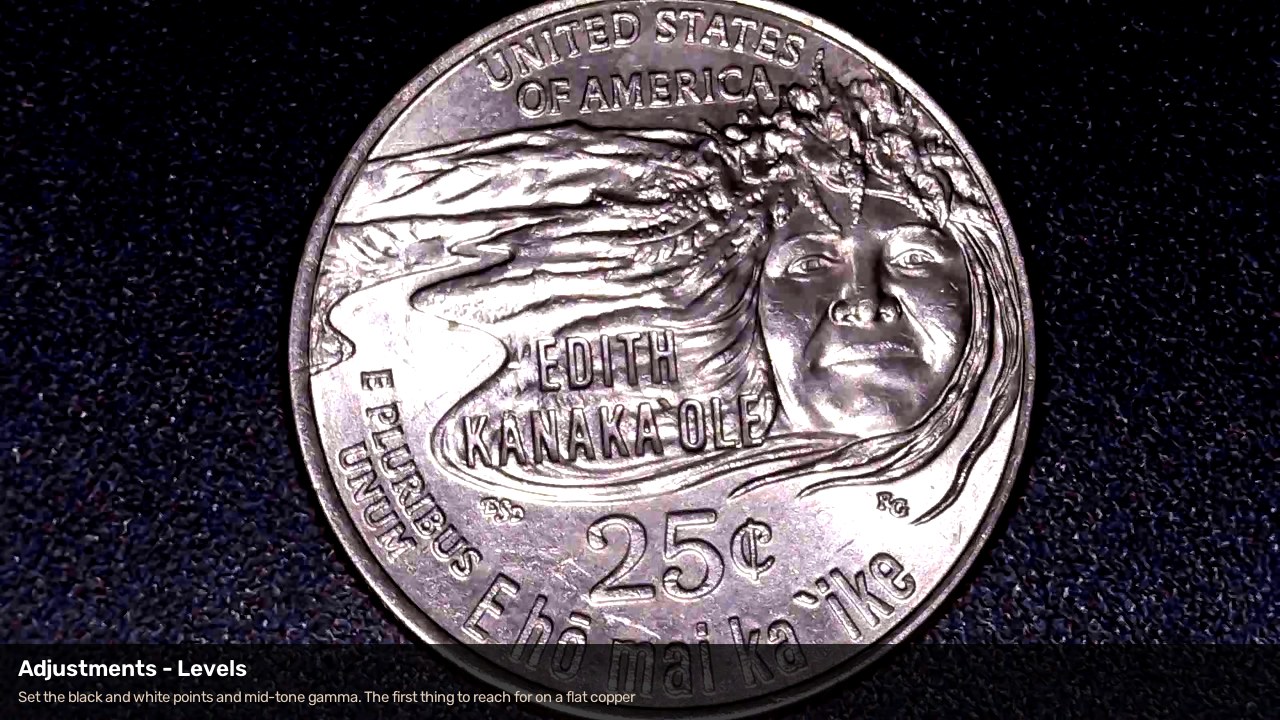
Levels
Black point, white point and gamma. The first thing to reach for on a flat copper photograph.
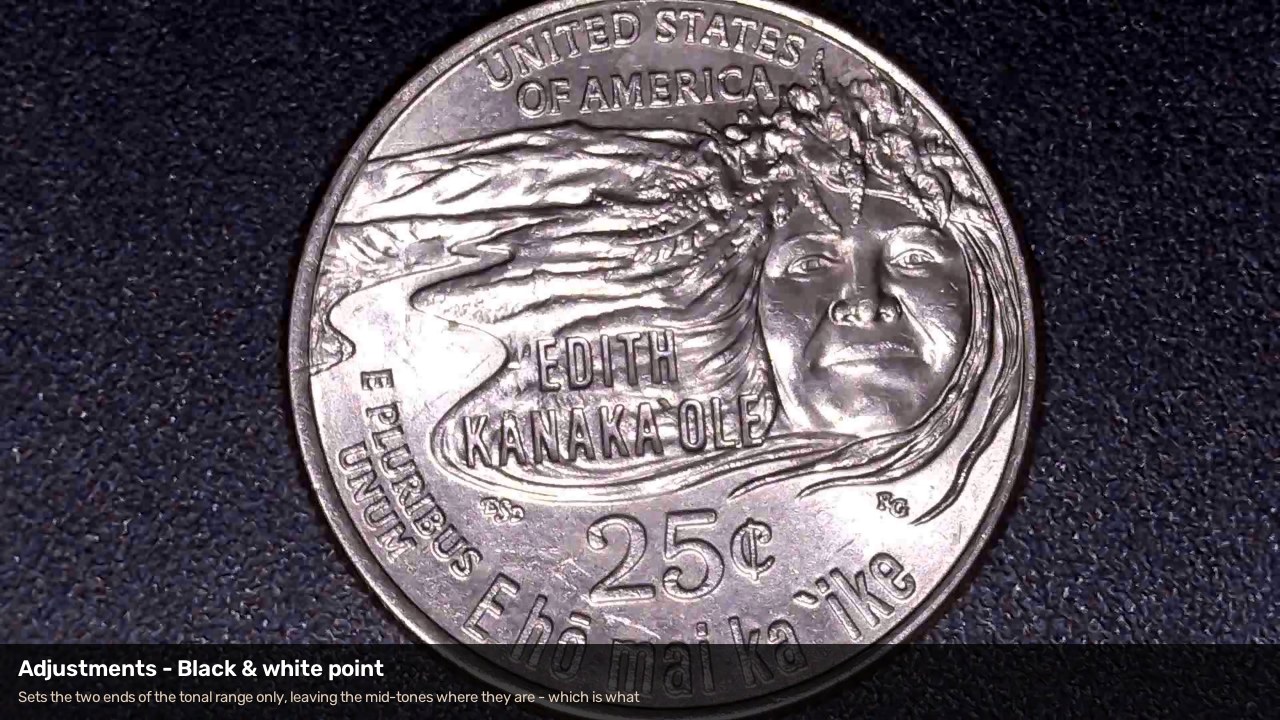
Black & white point
Sets the two ends of the range and leaves the mid-tones alone – because on a coin the mid-tones ARE the subject. Auto finds the darkest and brightest real tones, ignoring a hot pixel or a speck of dust.
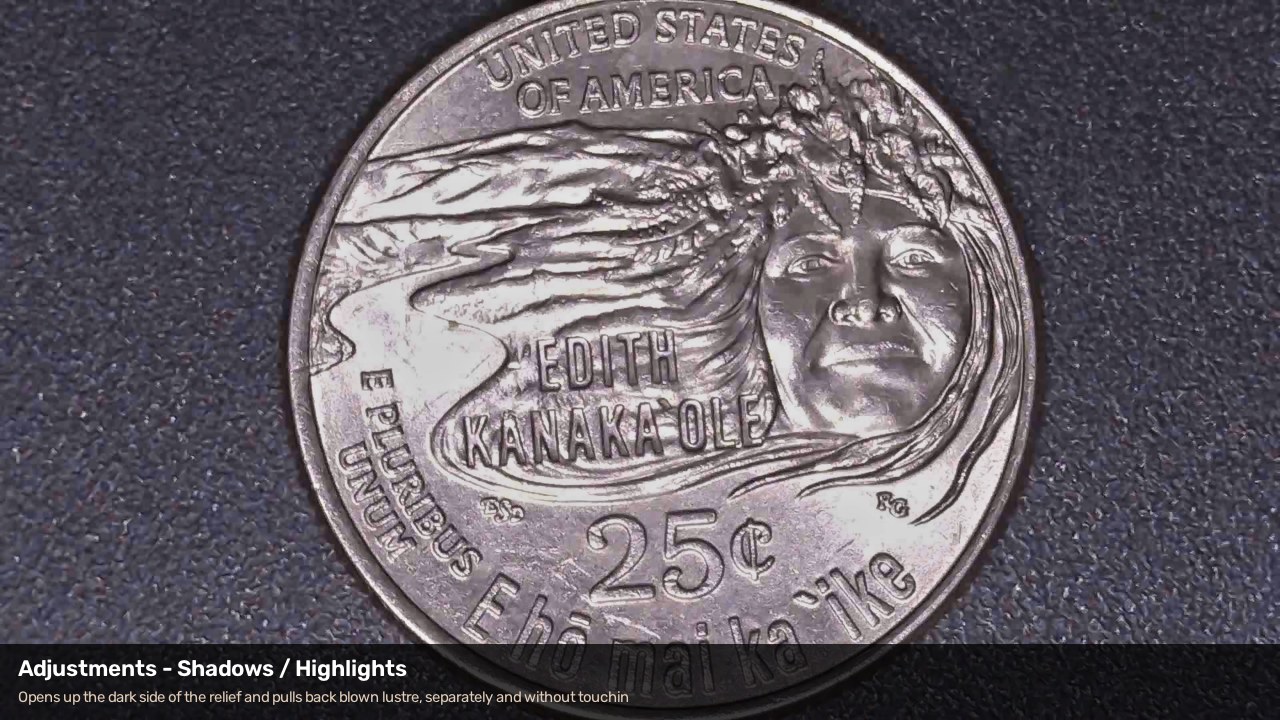
Shadows / Highlights
Opens the dark side of the relief and pulls back blown lustre, separately. The one to reach for on a raking-light shot where one side is near white and the other near black in the same frame. It corrects by local lighting rather than pixel value, so lifting a shadow does not flatten the fine lines inside it.
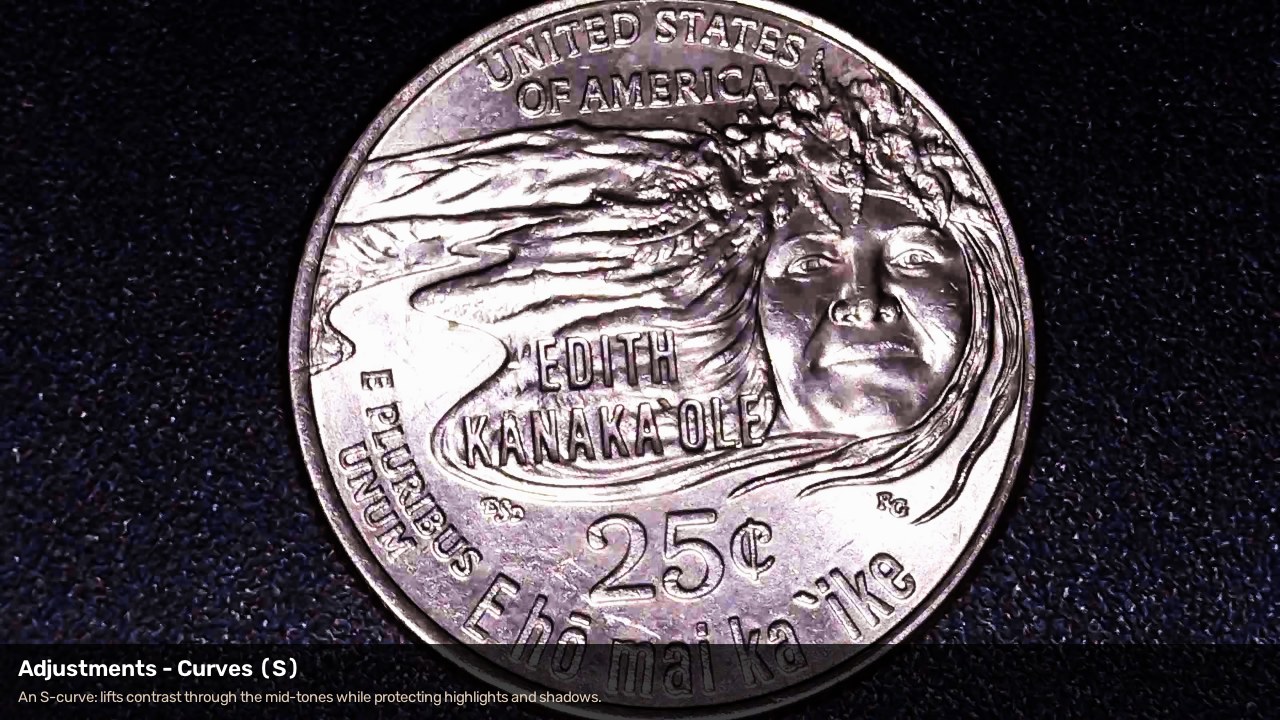
Curves
An S-curve that lifts mid-tone contrast while protecting the ends – copper is a narrow, low-contrast subject and responds well to it.
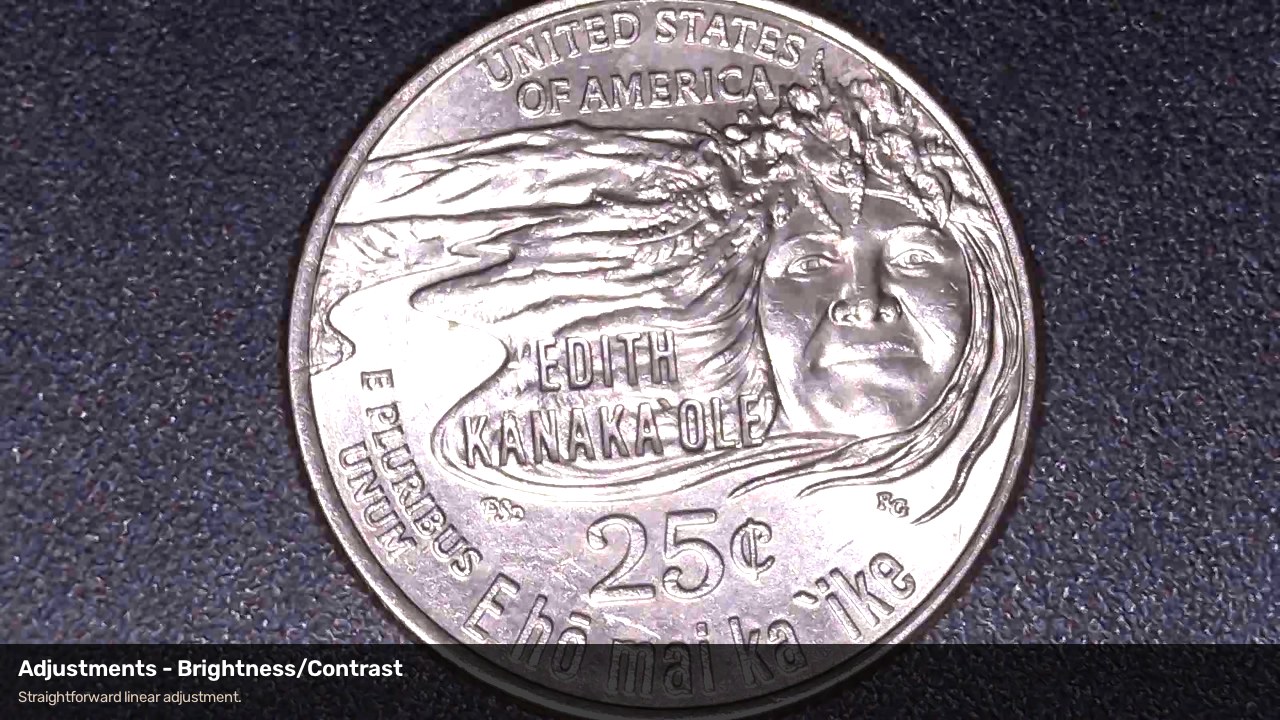
Brightness / Contrast
The straightforward linear adjustment, for when that is genuinely all that is wrong.
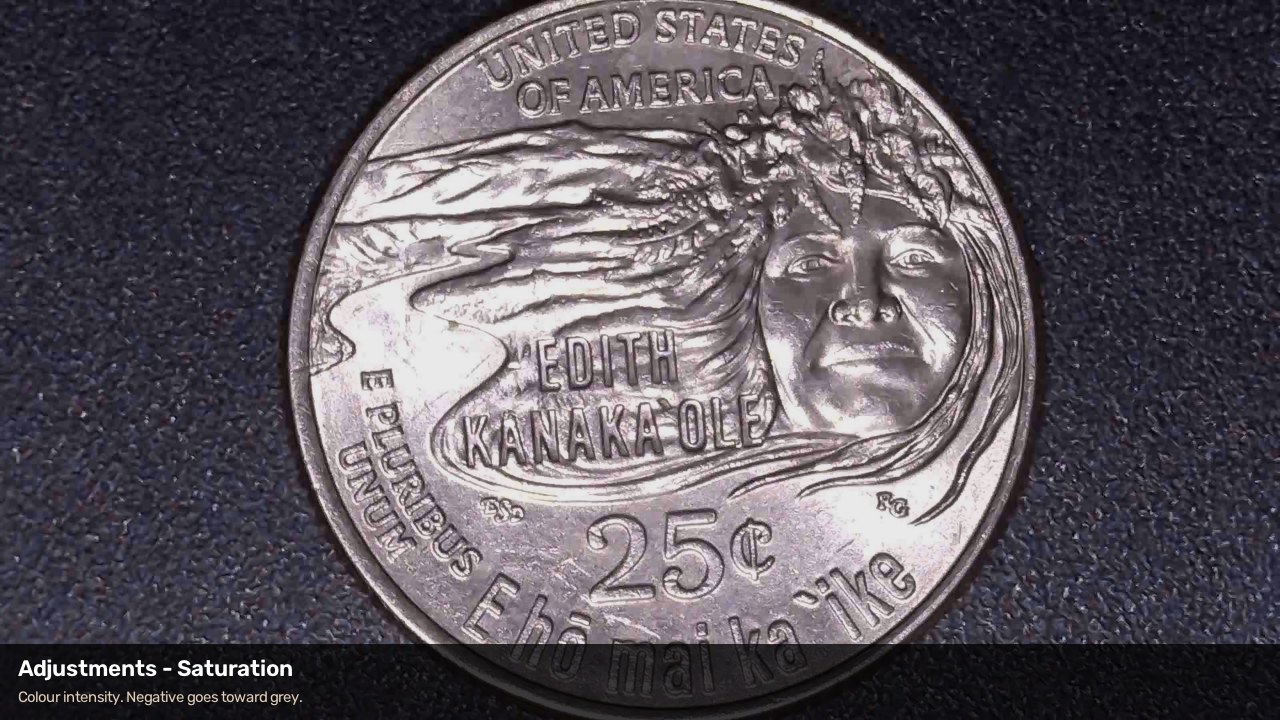
Saturation
Colour intensity, up for judging toning or down towards grey for judging shape.
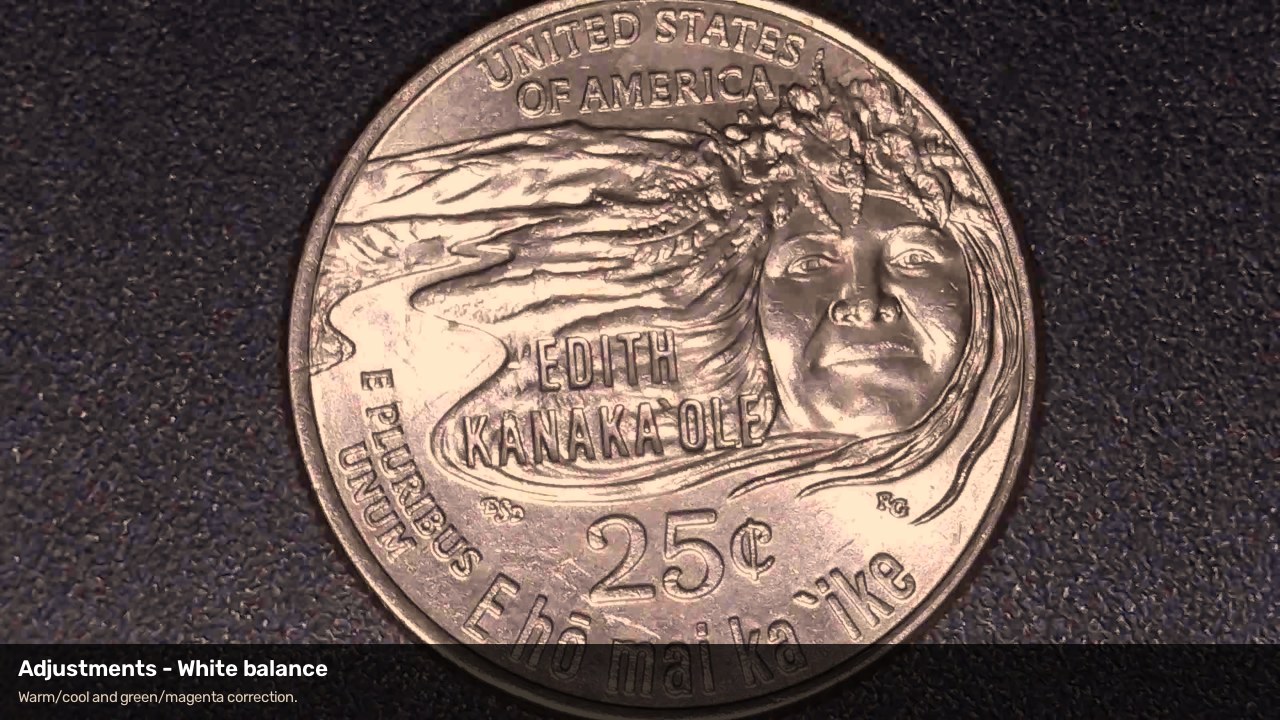
White balance
Warm/cool and green/magenta. Microscope LEDs are rarely neutral, and copper shows it more than any other metal.
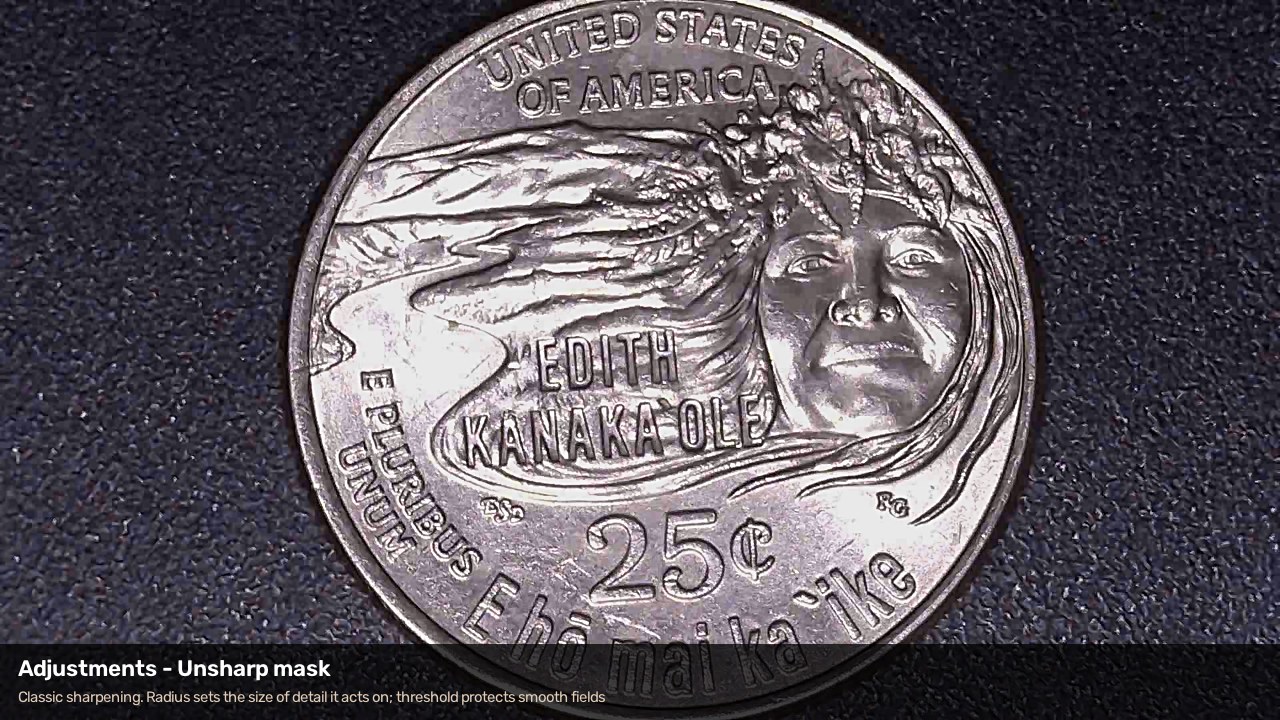
Unsharp mask
Classic sharpening with a threshold, so smooth fields are not sharpened into noise.
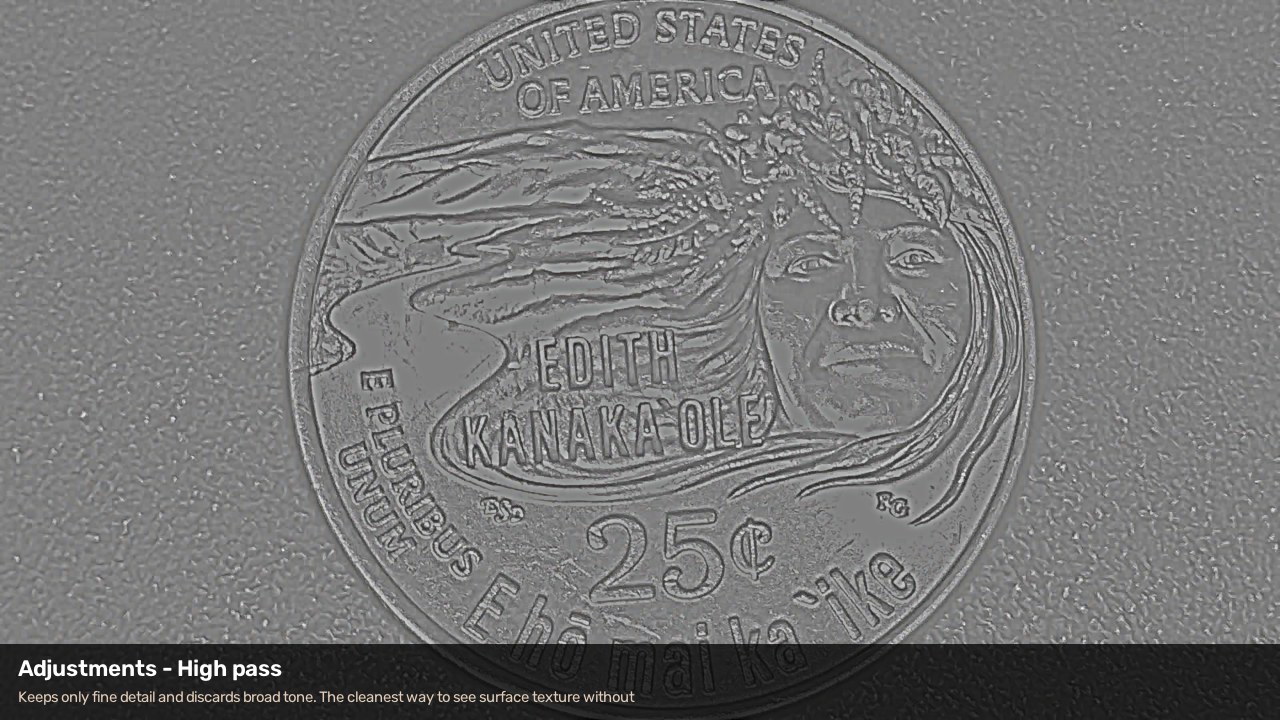
High pass
Keeps only fine detail and discards broad tone – the cleanest way to see surface texture without the coin’s dome dominating.
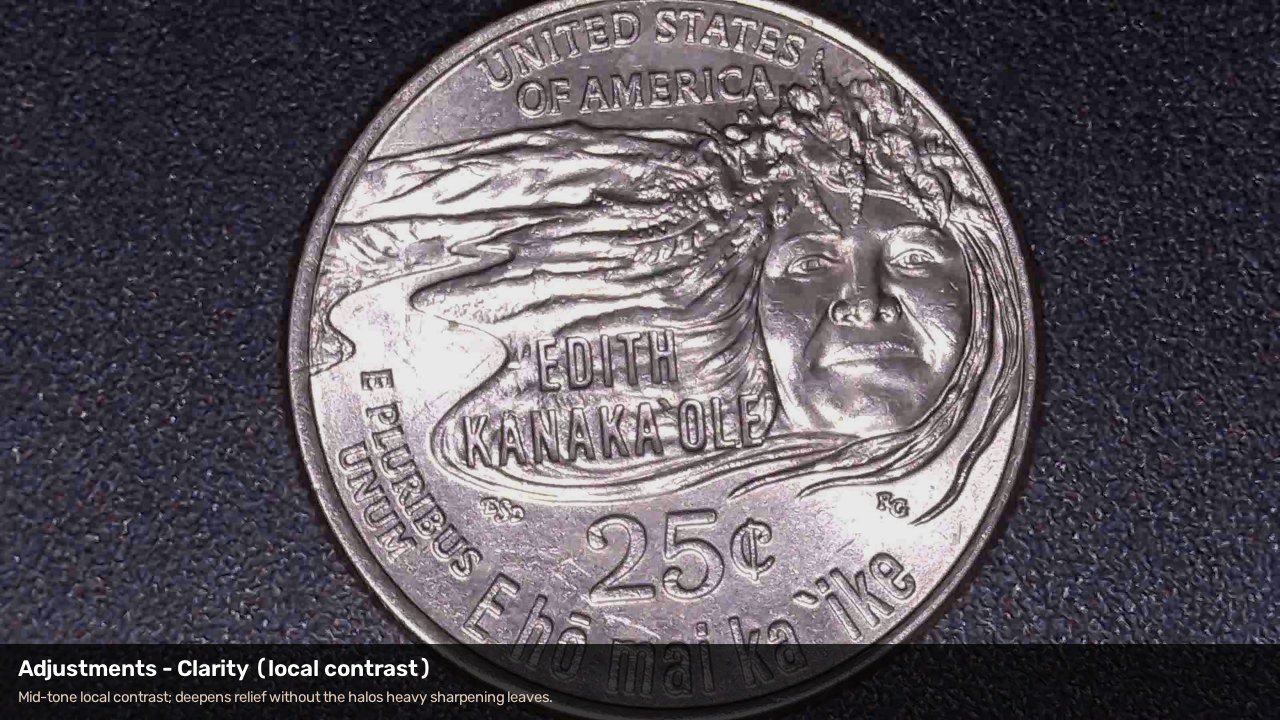
Clarity
Mid-tone local contrast. Deepens relief without the halos heavy sharpening leaves.
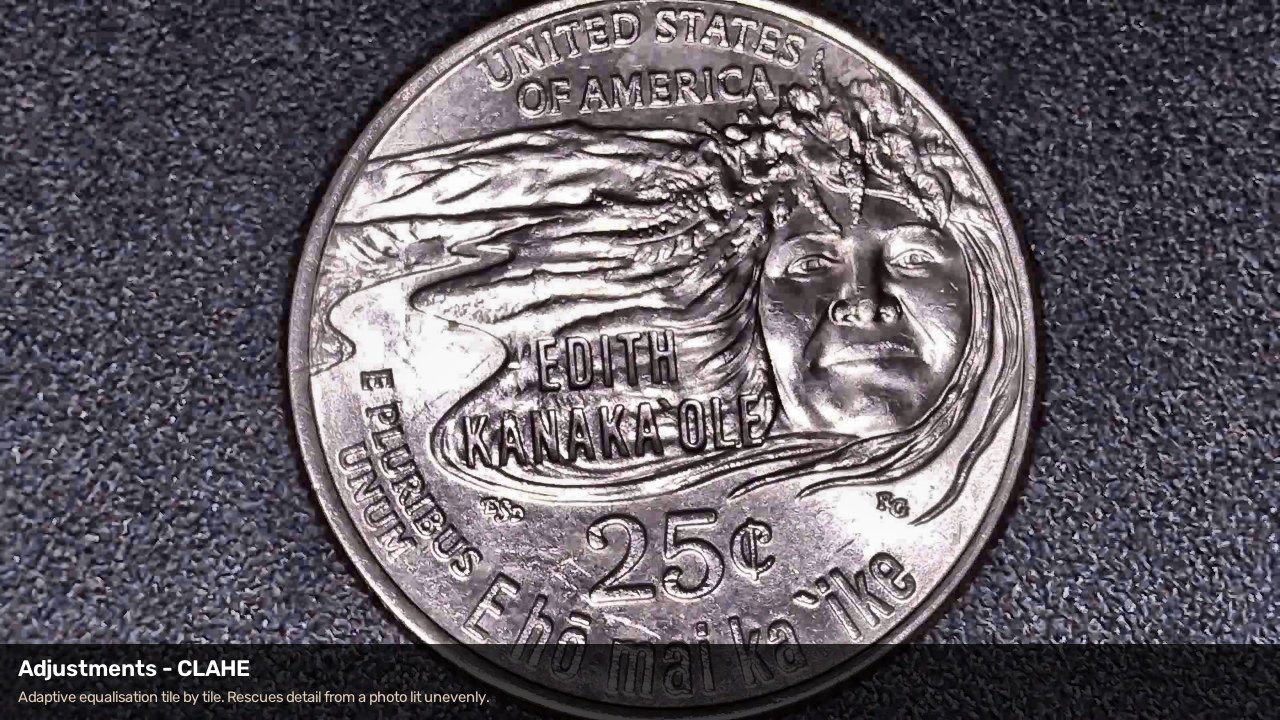
CLAHE
Adaptive equalisation, tile by tile. Rescues detail from a photograph lit unevenly – which is most photographs taken with one lamp.
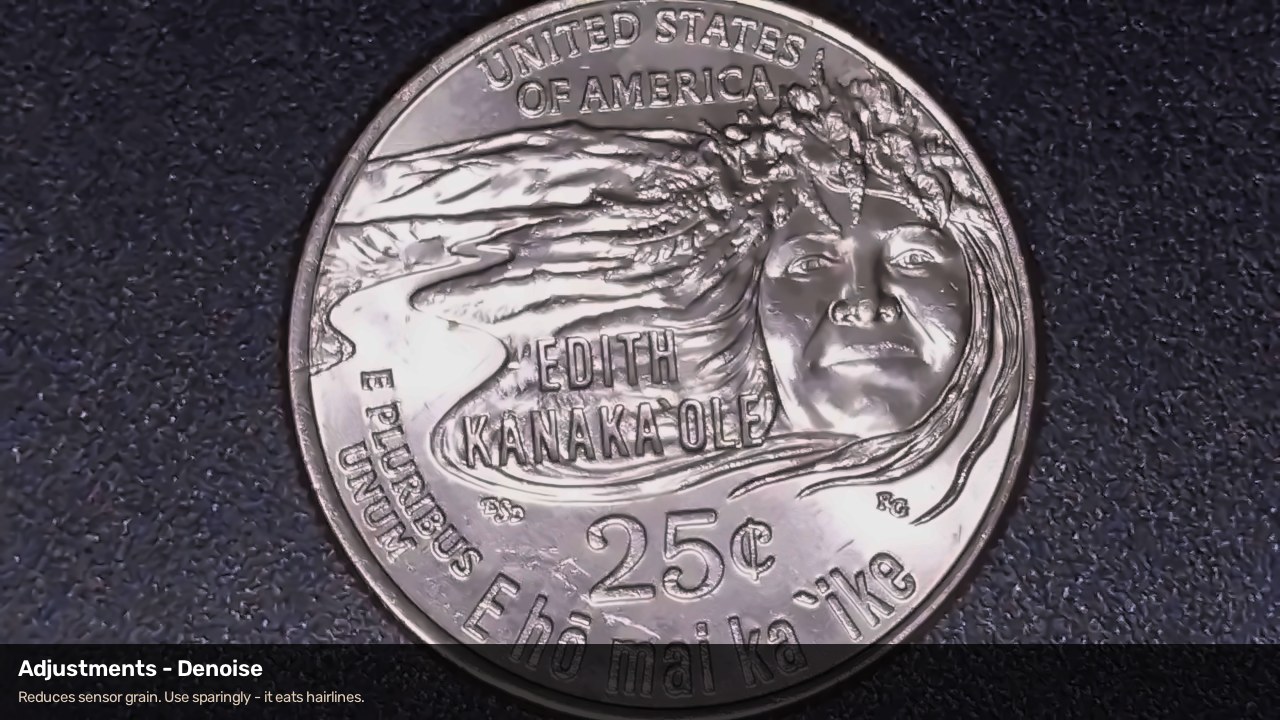
Denoise
Reduces sensor grain. Used sparingly, because it eats hairlines – and hairlines are evidence.
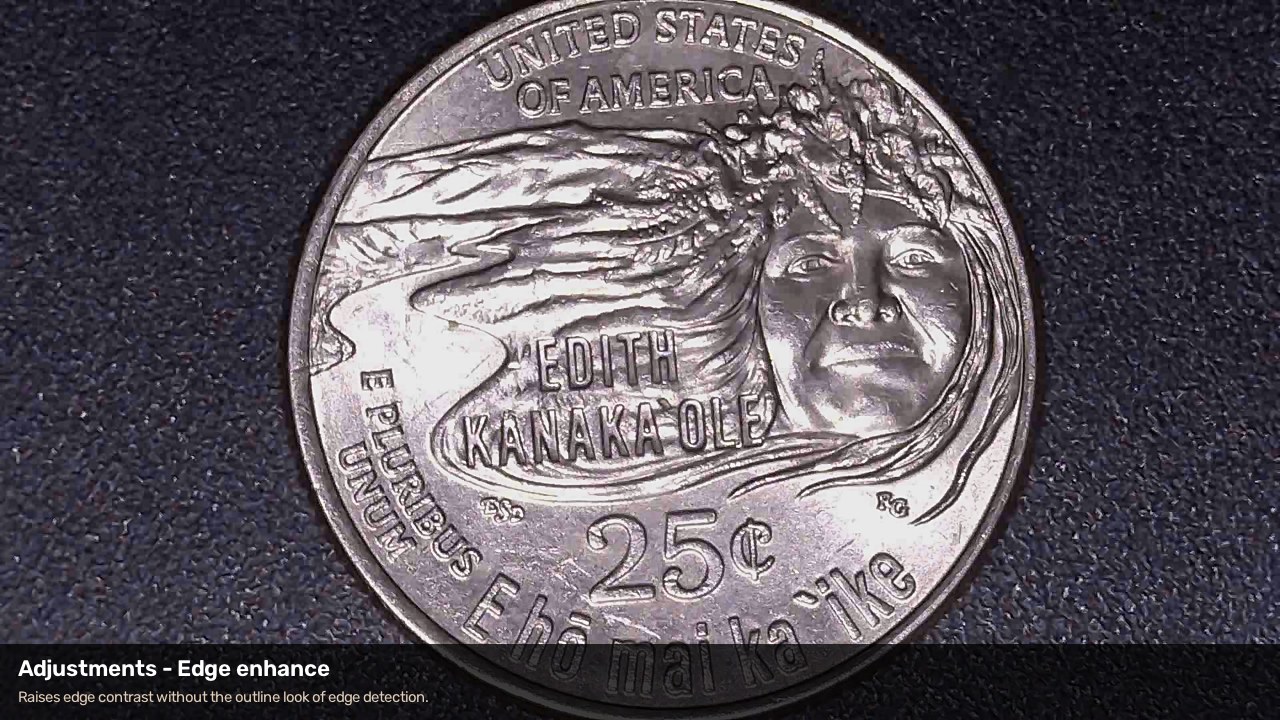
Edge enhance
Raises edge contrast without the outline look of edge detection.
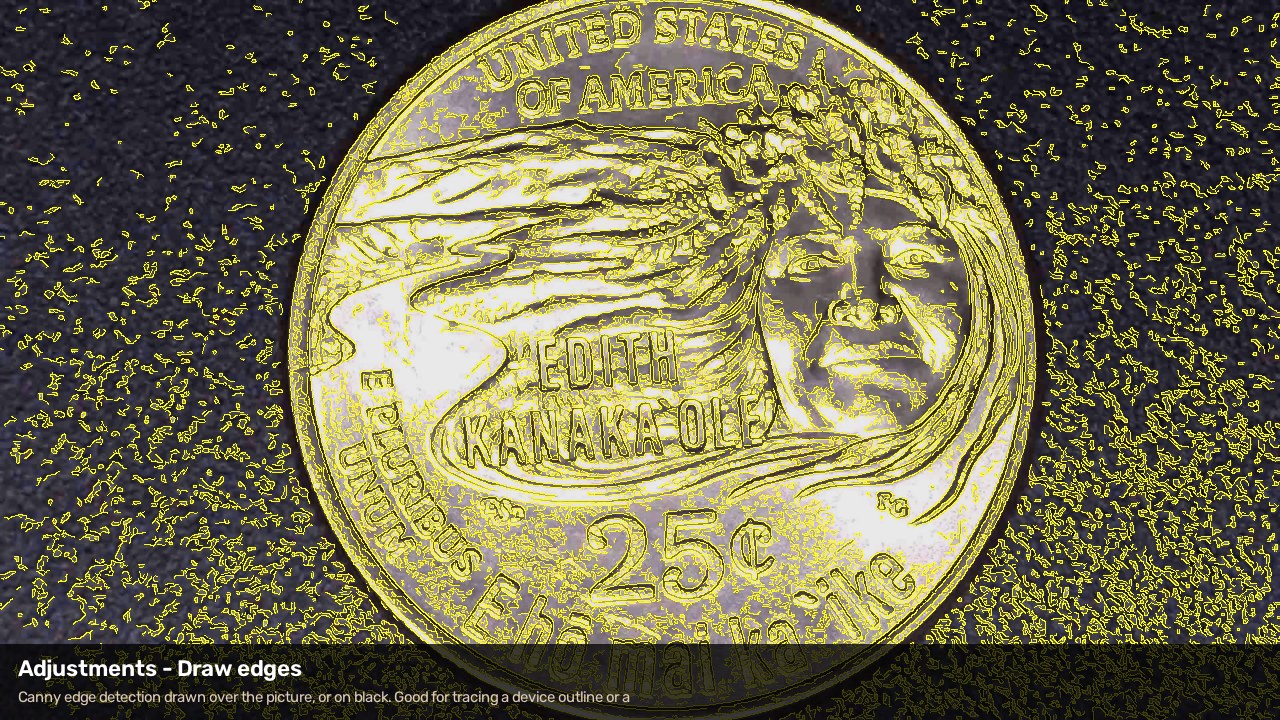
Draw edges
Edges drawn over the picture or on black – for tracing a device outline or following a crack path.
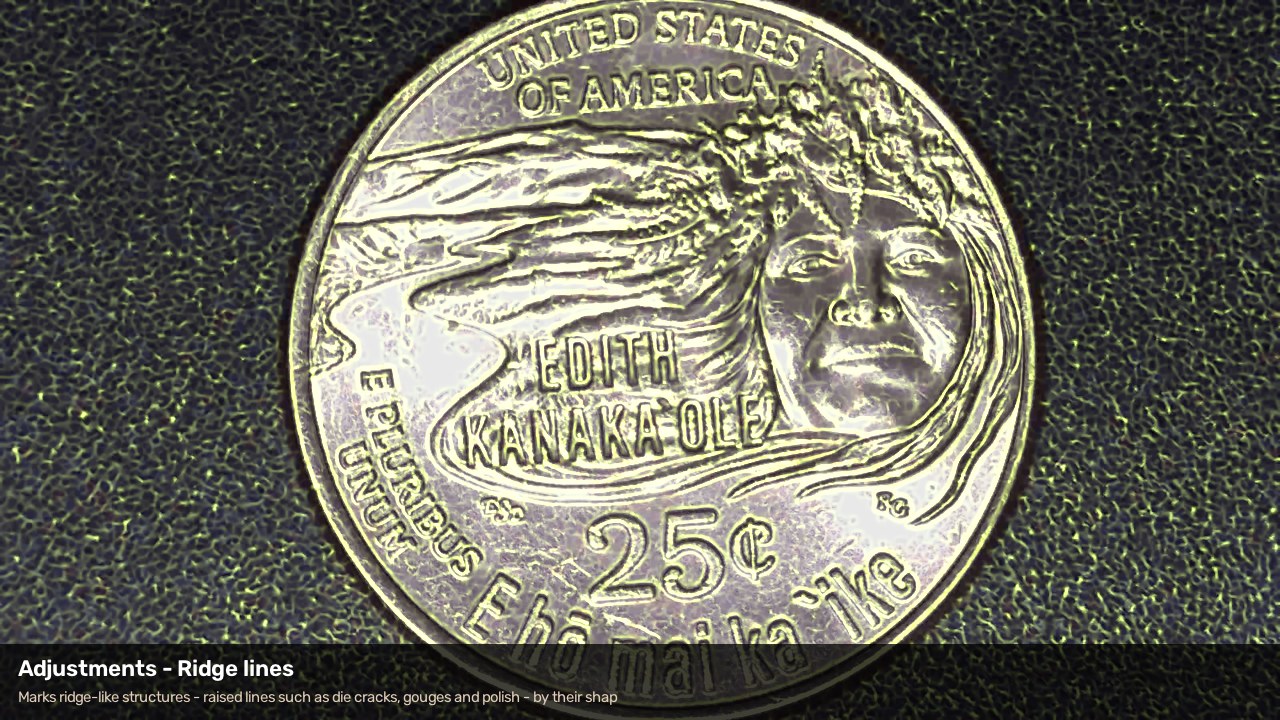
Ridge lines
Marks ridge-like structures by their SHAPE rather than their brightness: raised lines such as die cracks, gouges and polish.
Emboss
Directional relief, like a raking light rendered as a single pass.
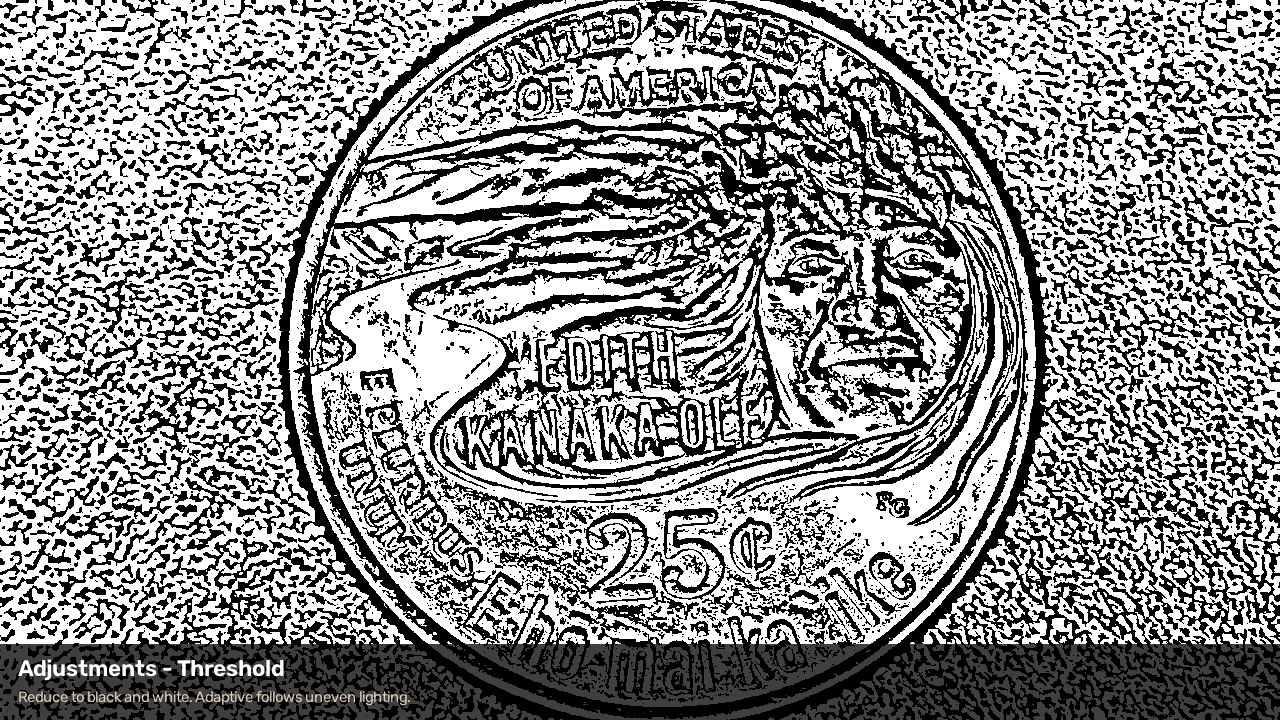
Threshold
Black and white, with an adaptive mode that follows uneven lighting.
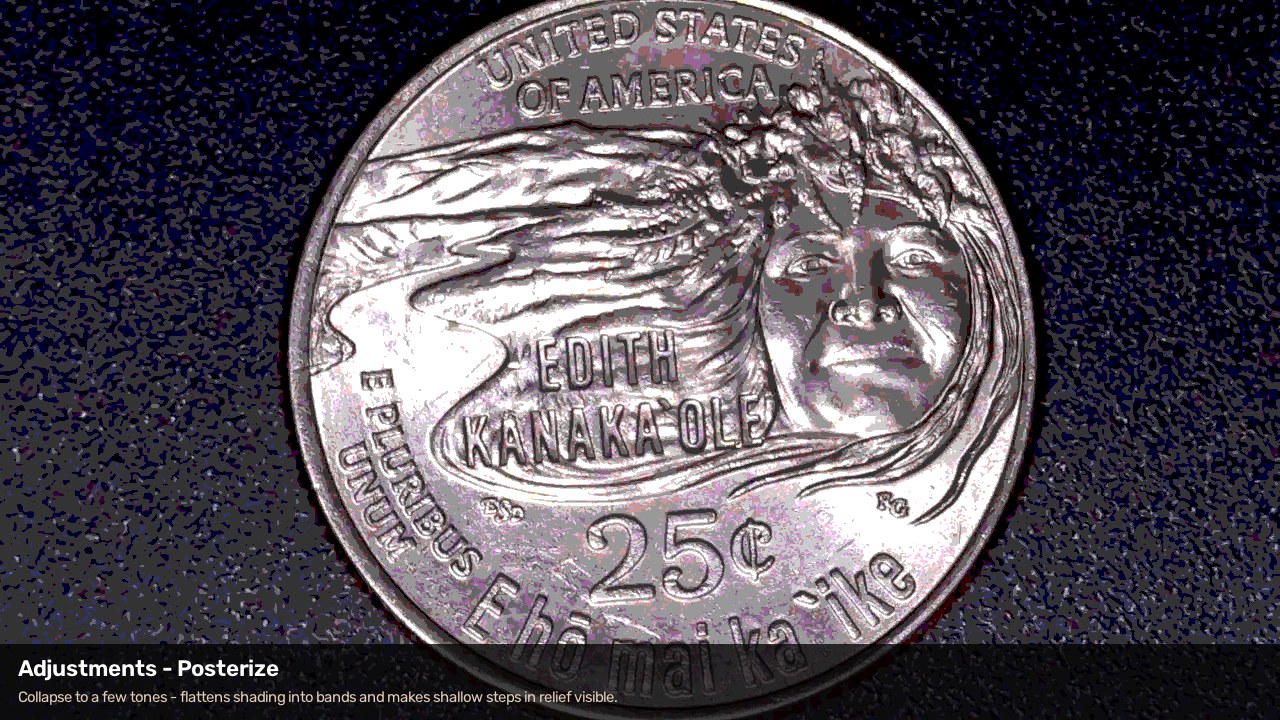
Posterize
Collapses to a few tones, which flattens shading into bands and makes shallow steps in relief visible.
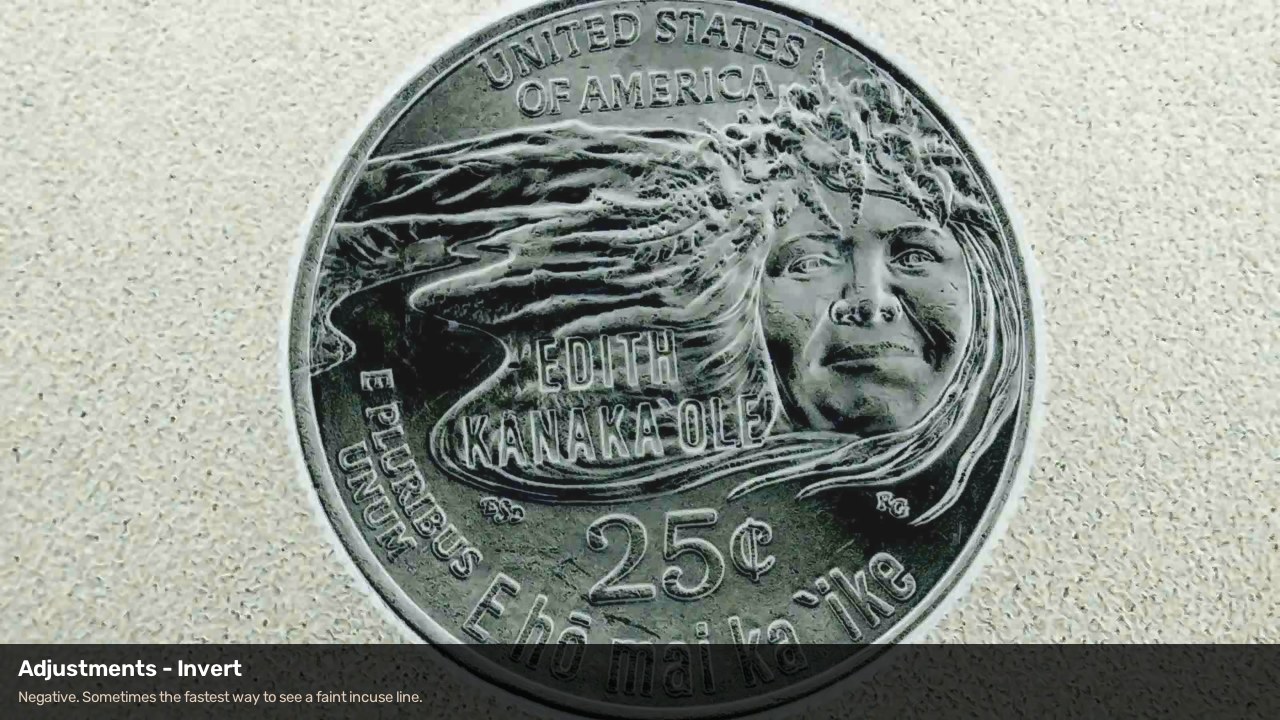
Invert
Negative. Often the fastest way to see a faint incuse line.
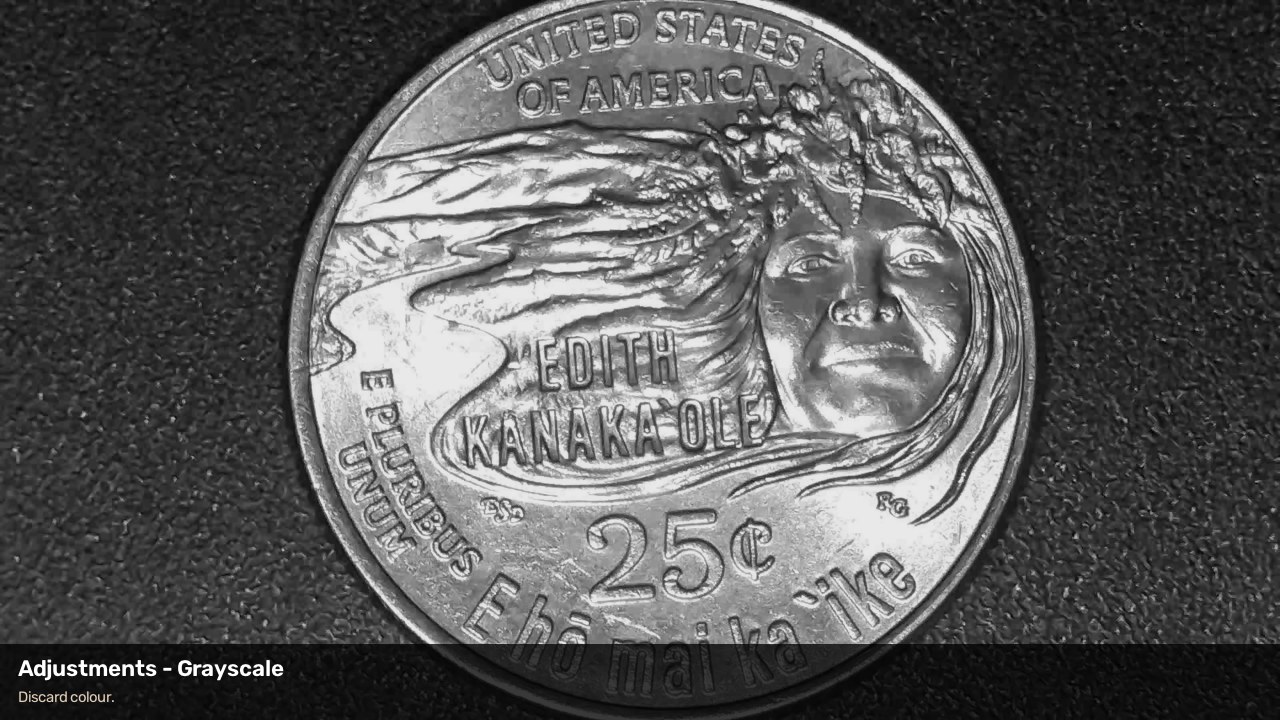
Greyscale
Colour discarded when it is getting in the way.
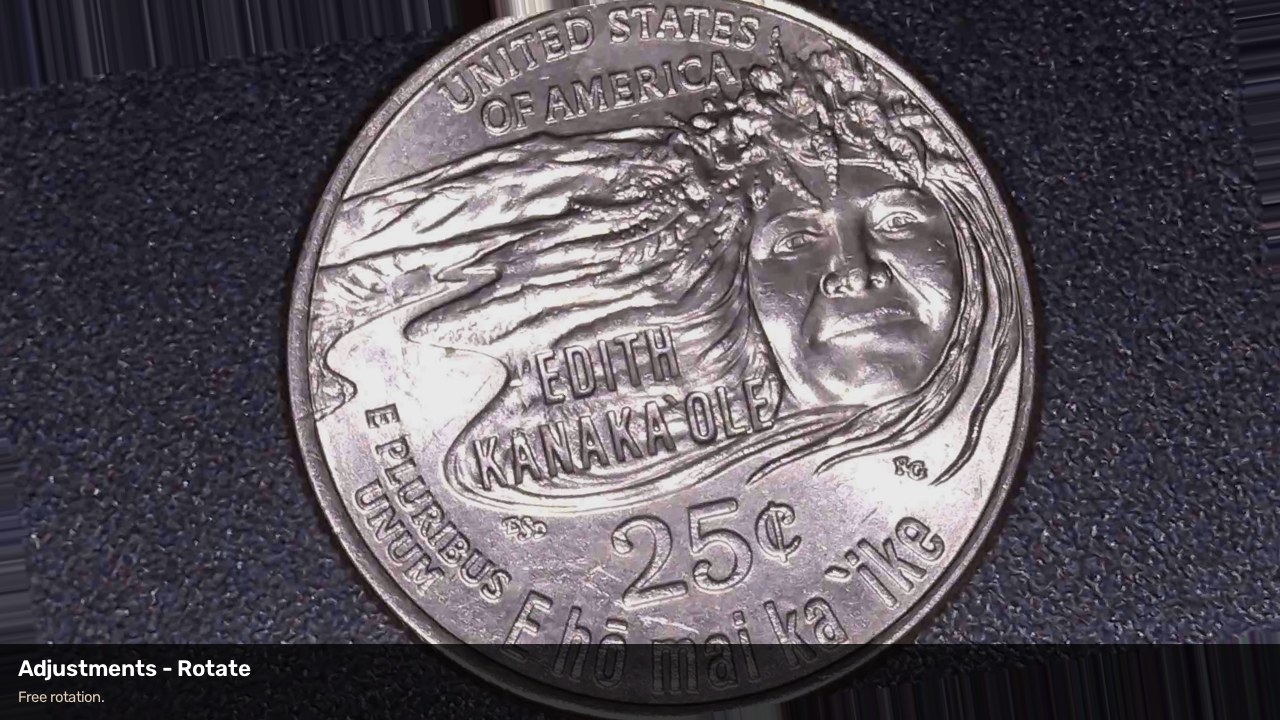
Rotate
Free rotation, for squaring up a coin that was not placed straight.
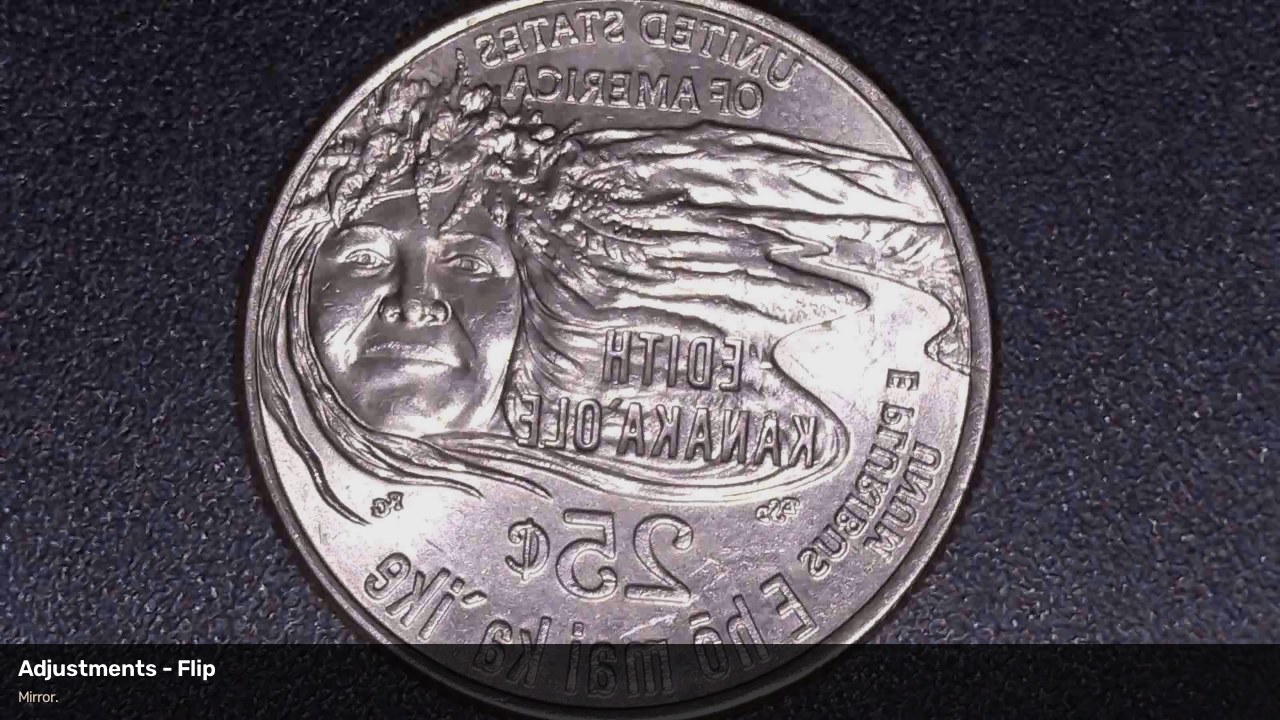
Flip
Mirror – for comparing against a reference photographed the other way round.
The instrument
The parts of the program that are not a picture: the catalogue, the measurements, the reports and the comparisons.
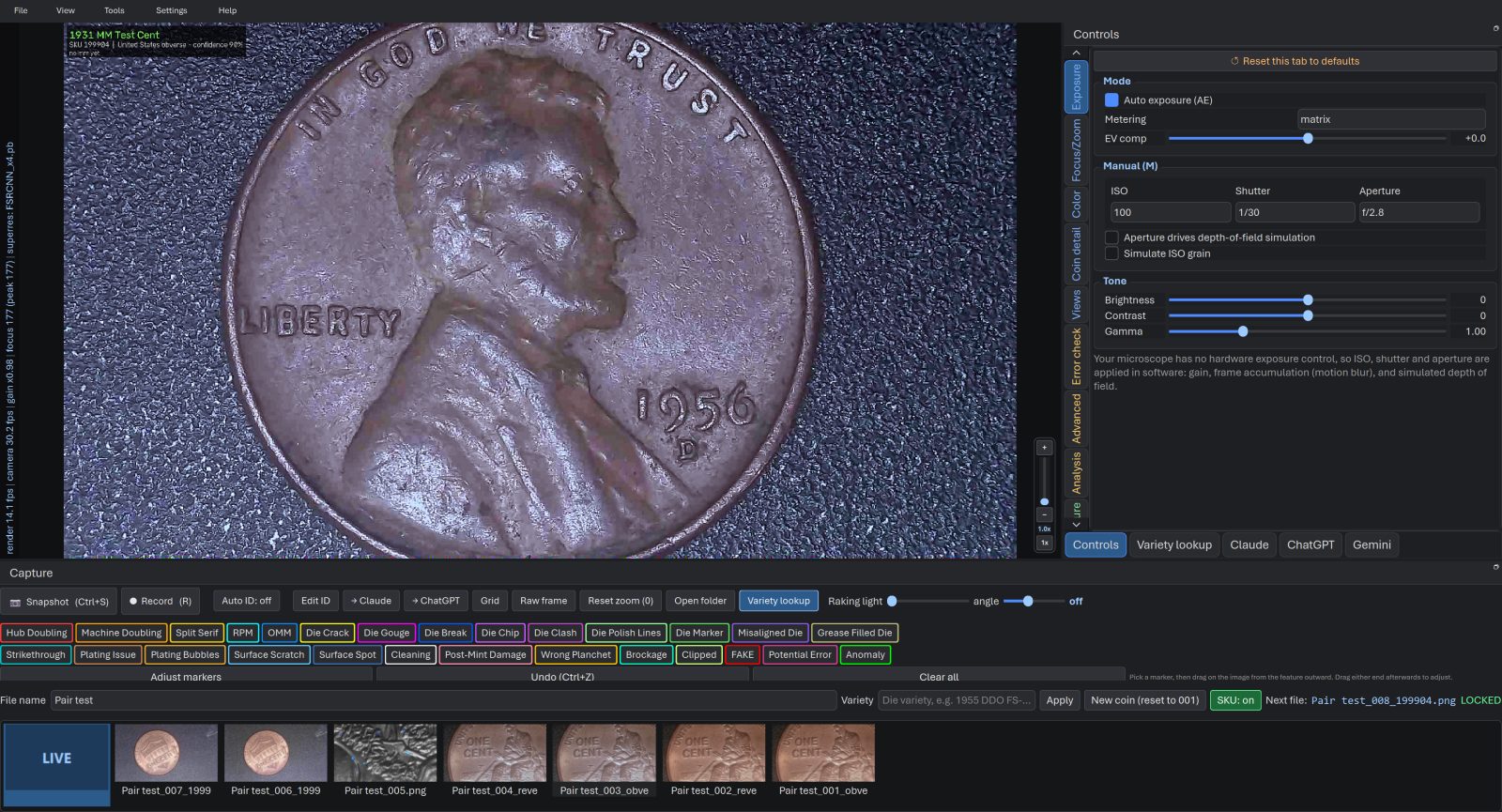
The whole window
Camera, views and analysis in one place, with a layout you can rearrange – including a three-column setting that puts controls left, a browser in the middle and the camera on the right.
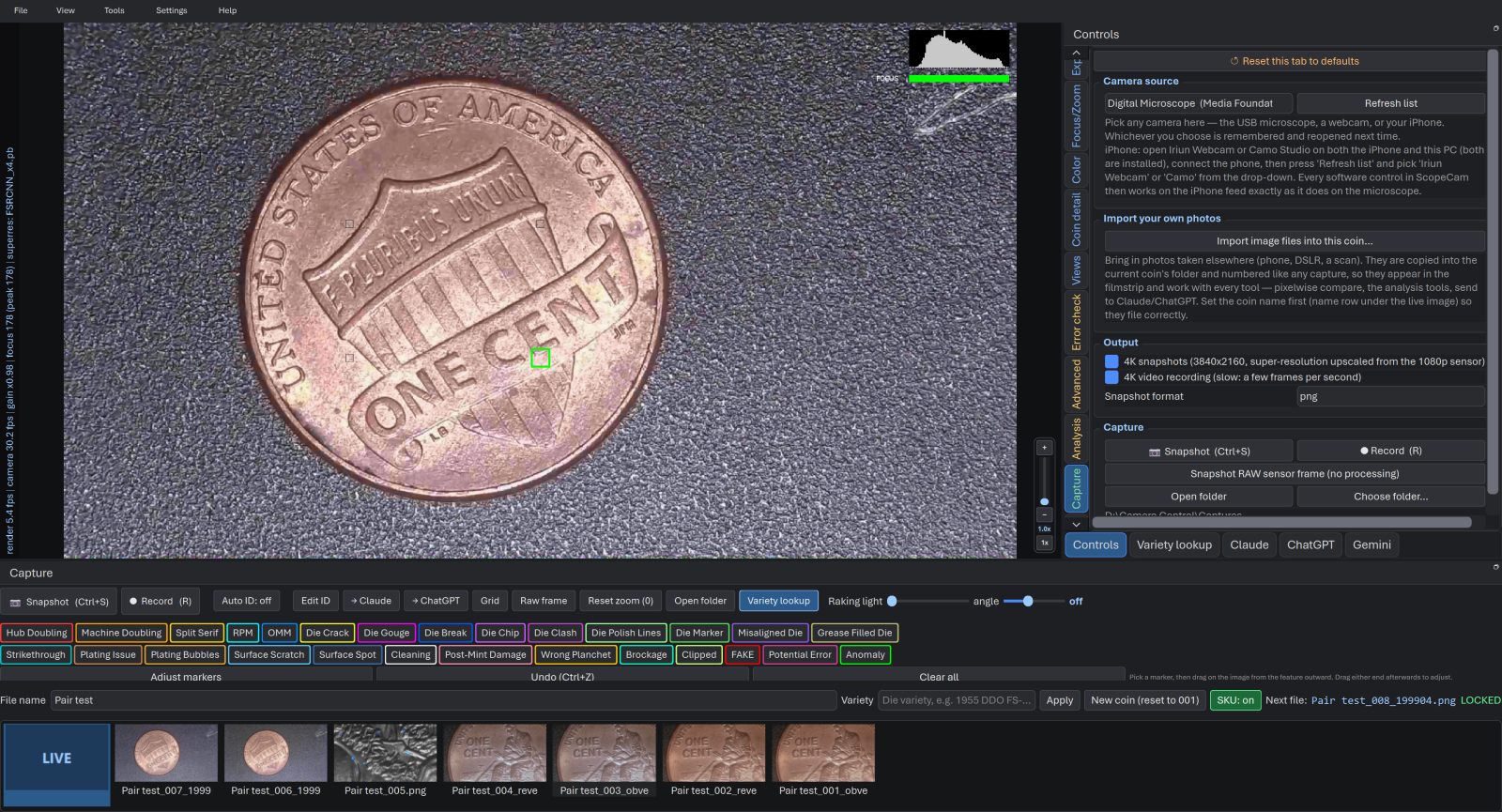
Capture
Every photograph is filed into the collection as it is taken, named by the coin’s own identity, with the settings it was shot at recorded beside it.
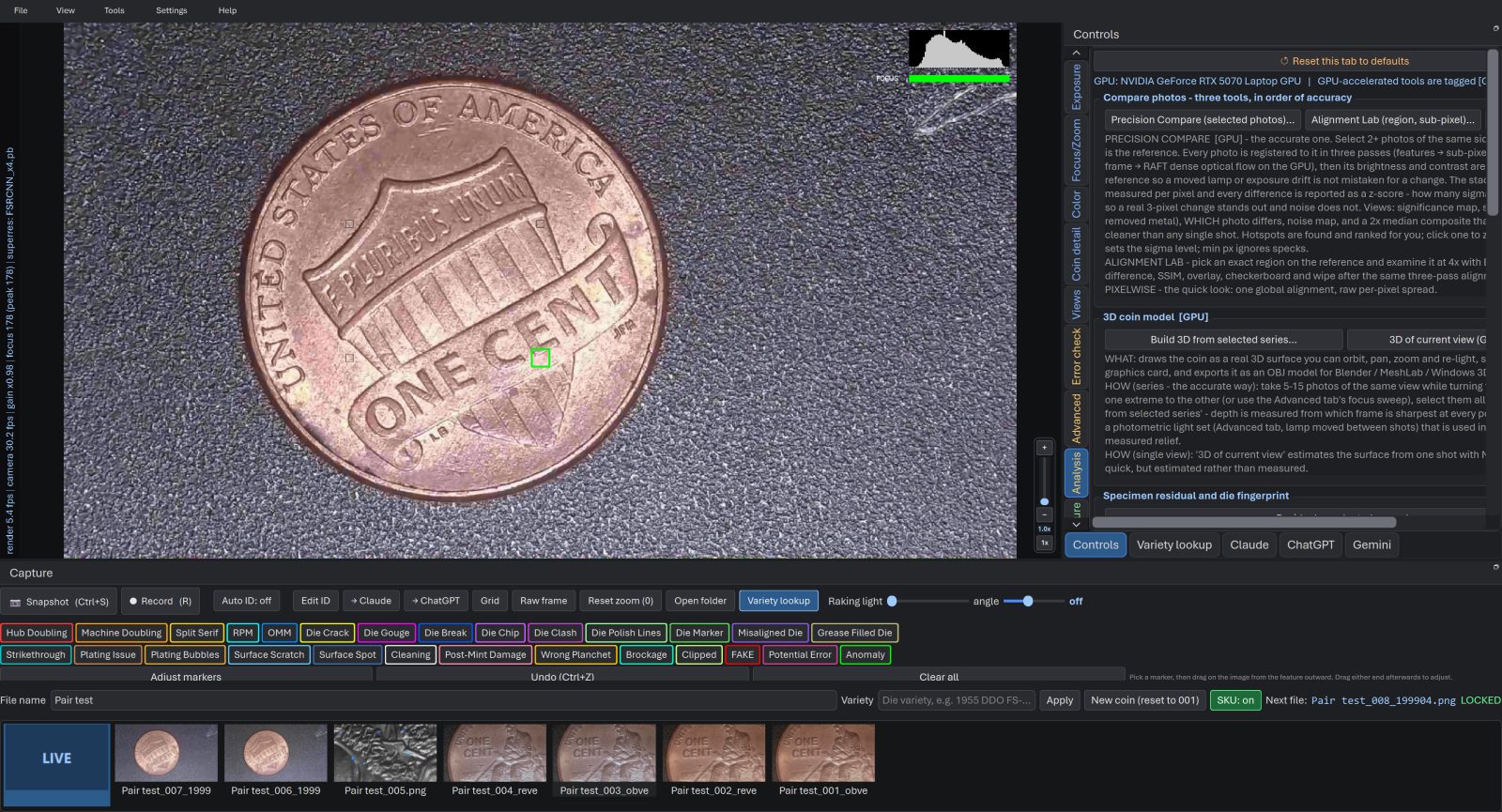
Analysis
Measure and attribute: real distances in millimetres once calibrated, clock positions in the language attributions actually use, and a grade estimate that reports its evidence.
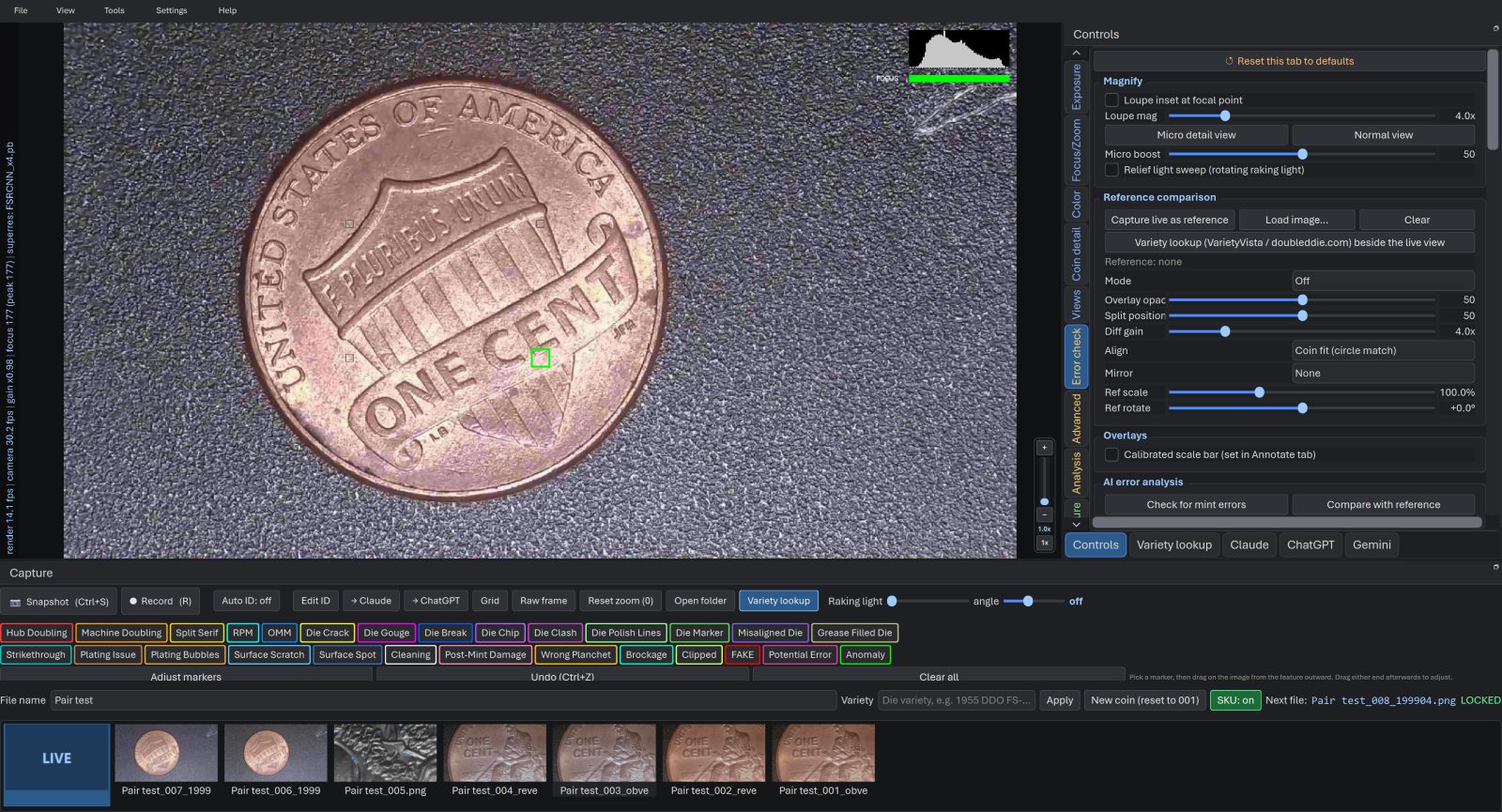
Error check
Doubling, cracks, gouges, rim damage and texture anomalies, found and ranked so you can work down the list instead of hunting.
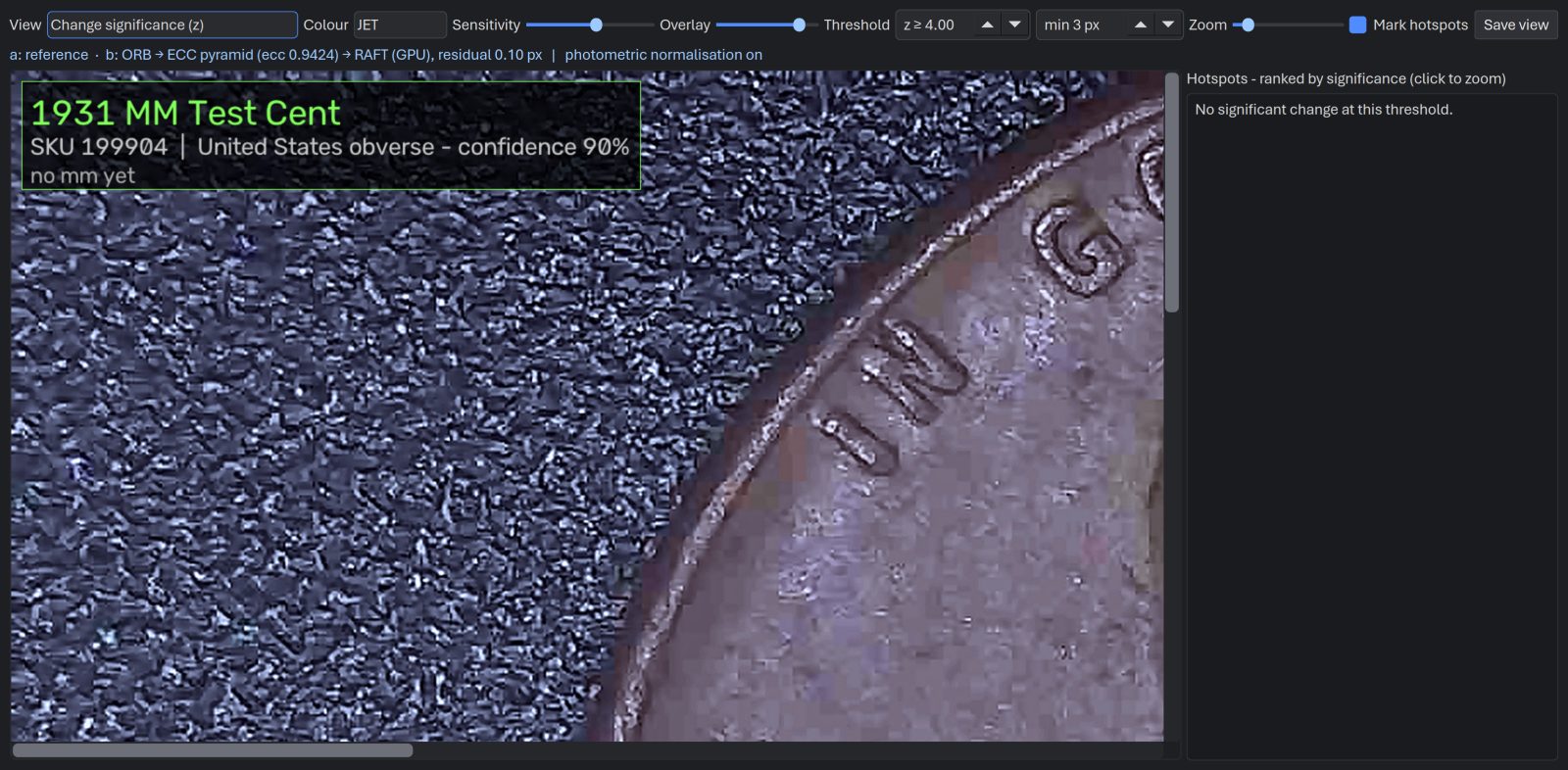
Precision comparison
Three-pass alignment and per-pixel noise measurement, so a real three-pixel change stands out and sensor noise does not. Differences are reported as how many sigma above the noise they are.
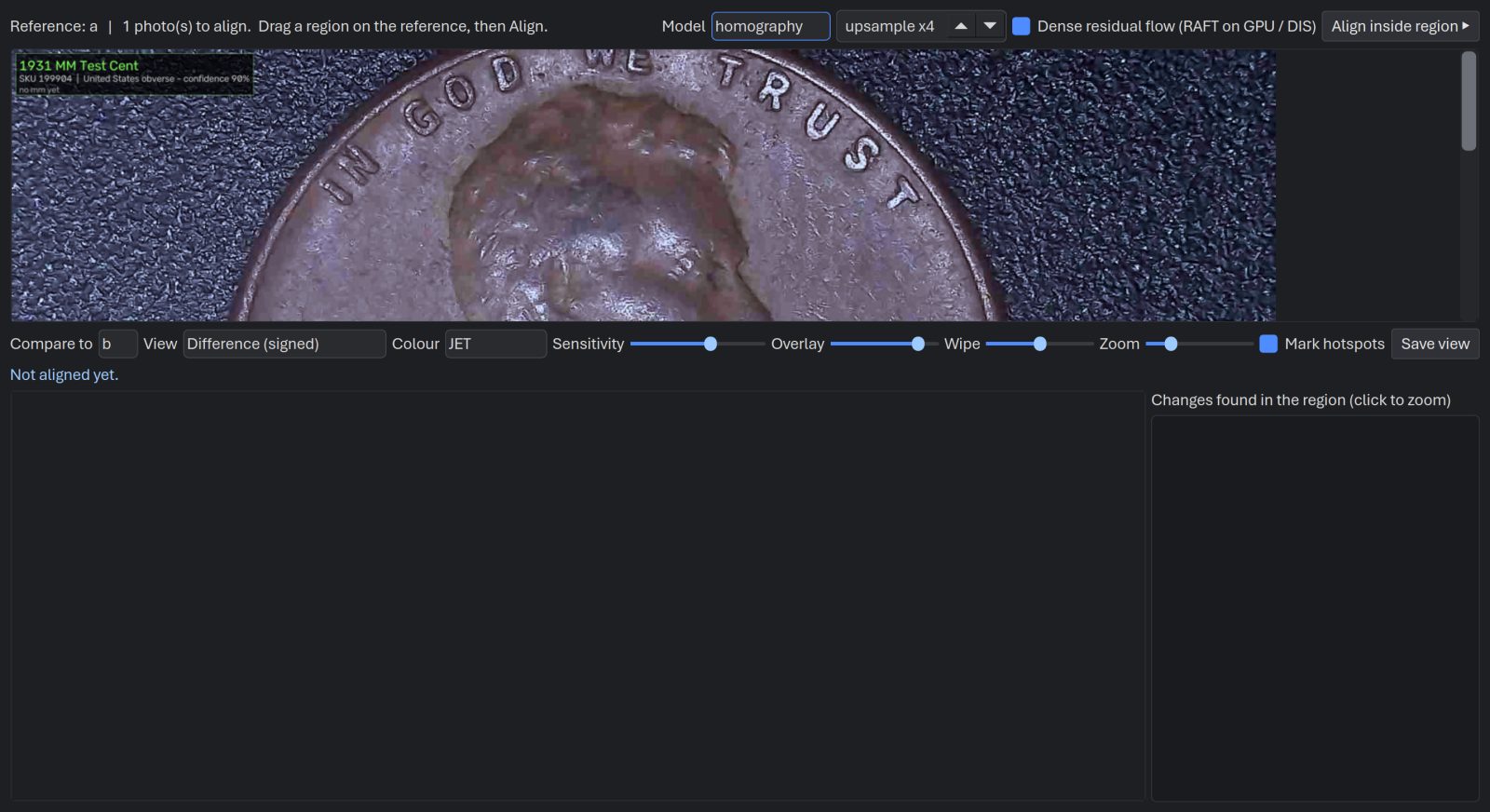
Alignment lab
Pick a region and examine it at 4x with blink, signed difference, SSIM, overlay, checkerboard and wipe – the tools an astronomer uses to find what moved between two plates.
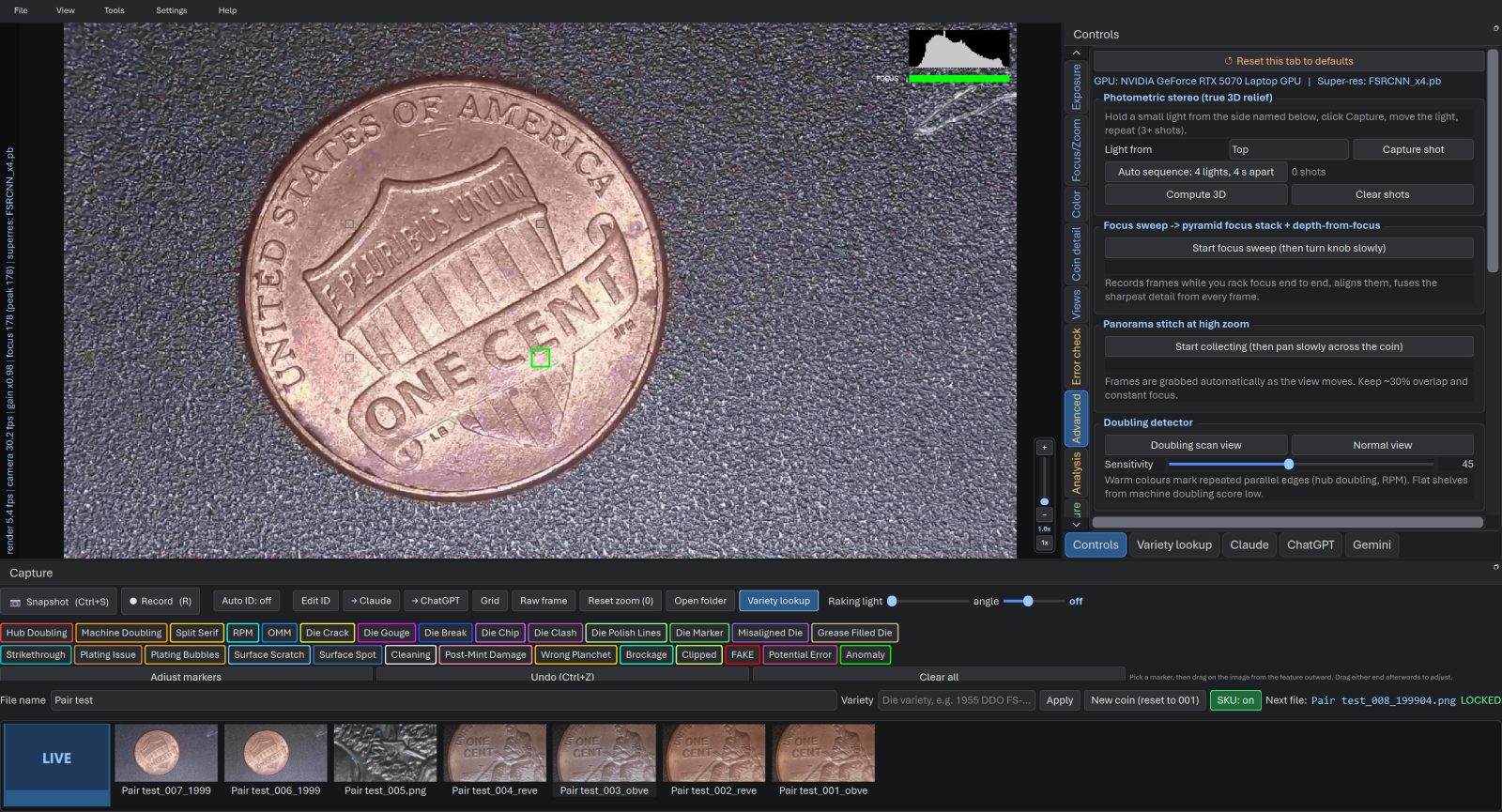
Advanced
Photometric stereo from real lamp movement – the one approach that genuinely separates topography from texture, because it uses evidence a single photograph does not contain.
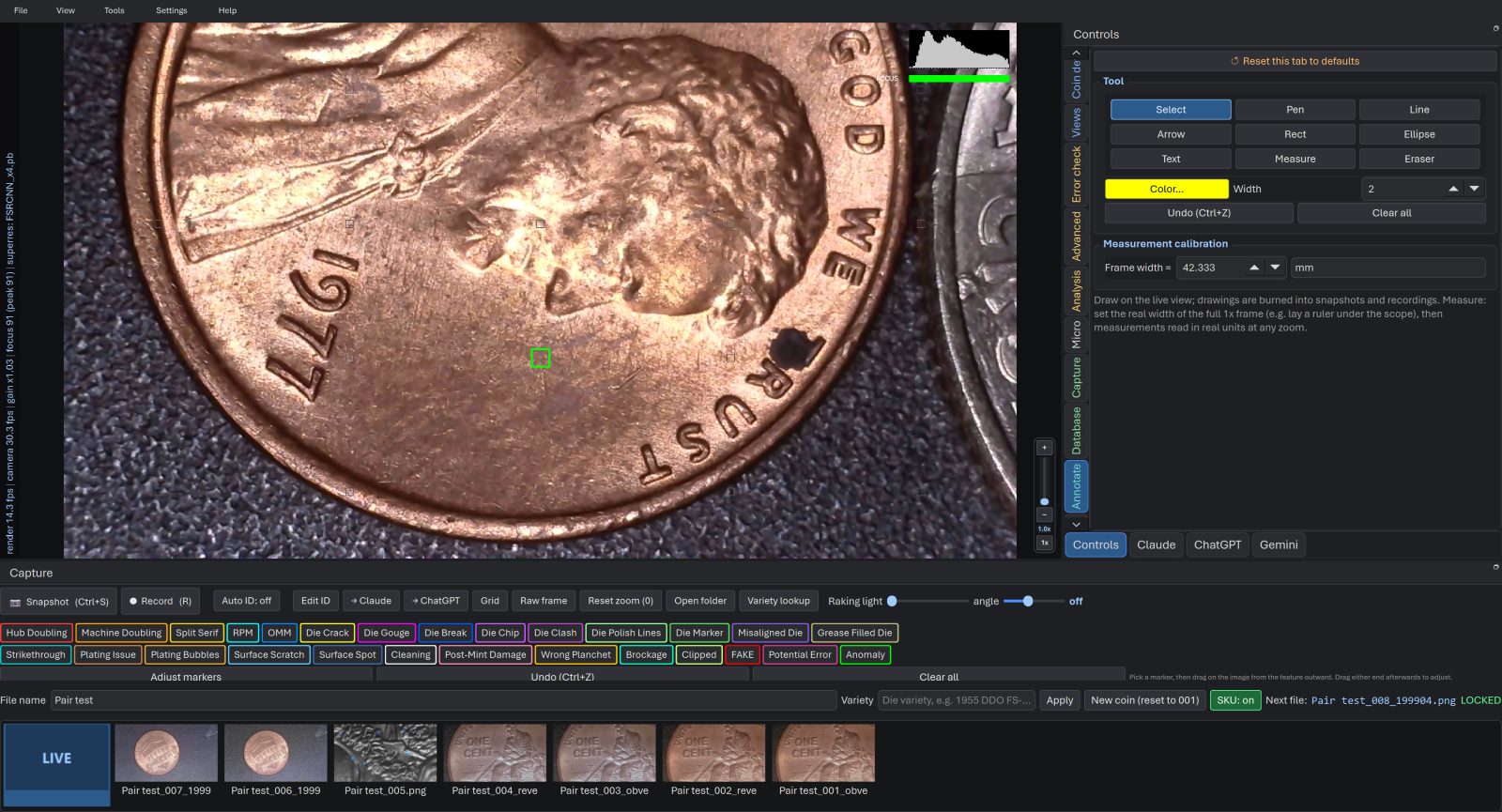
Micro lines
Fine line work at the scale where flow lines and polish live, with raised and incuse lines distinguished by colour.
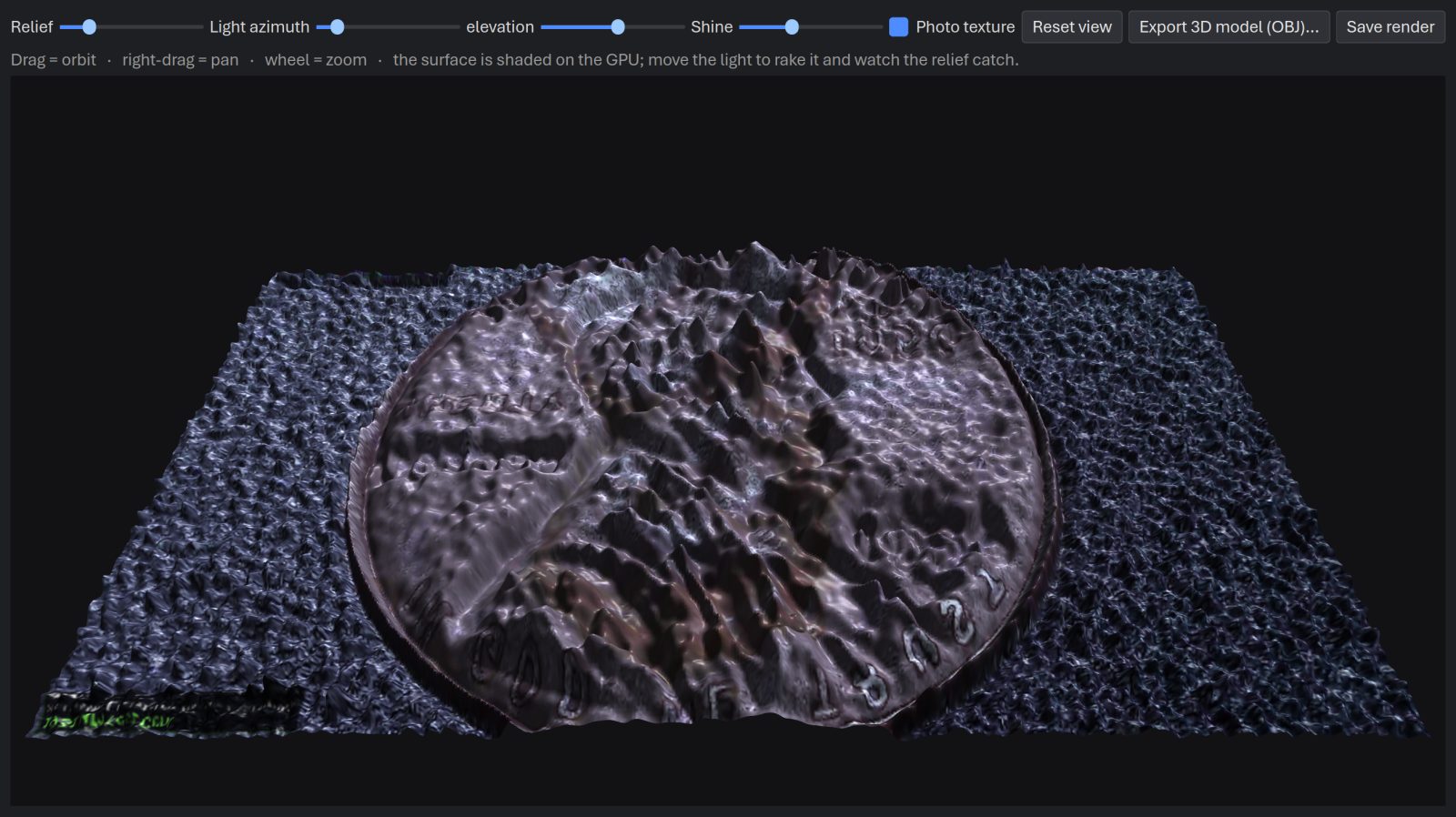
3D view
The surface rendered as a solid you can turn, for when a map is not as readable as a shape.
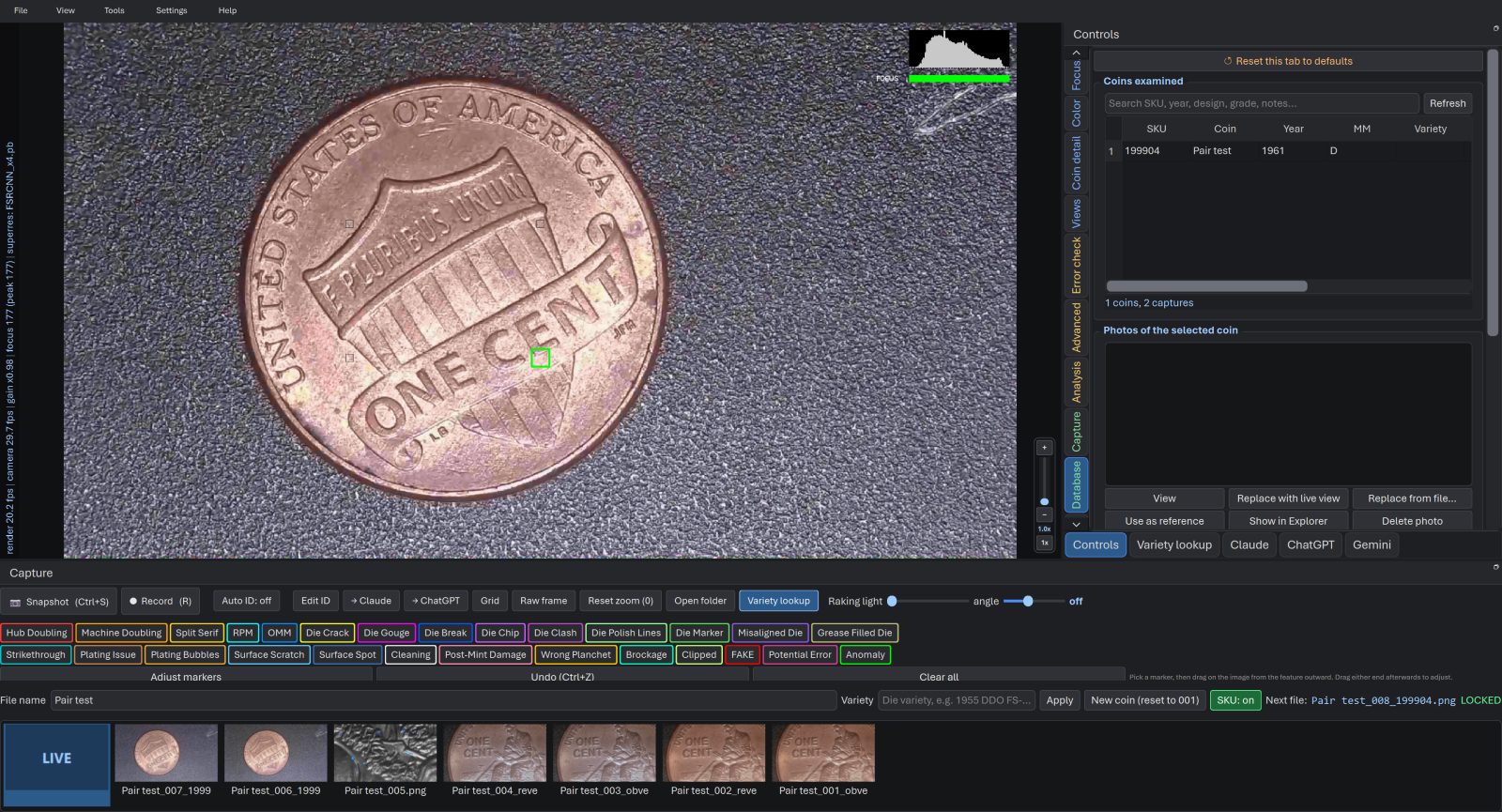
Database
The collection, filed by denomination and series with every coin’s own folder, SKU and photographs – navigable in Explorer with no software at all.
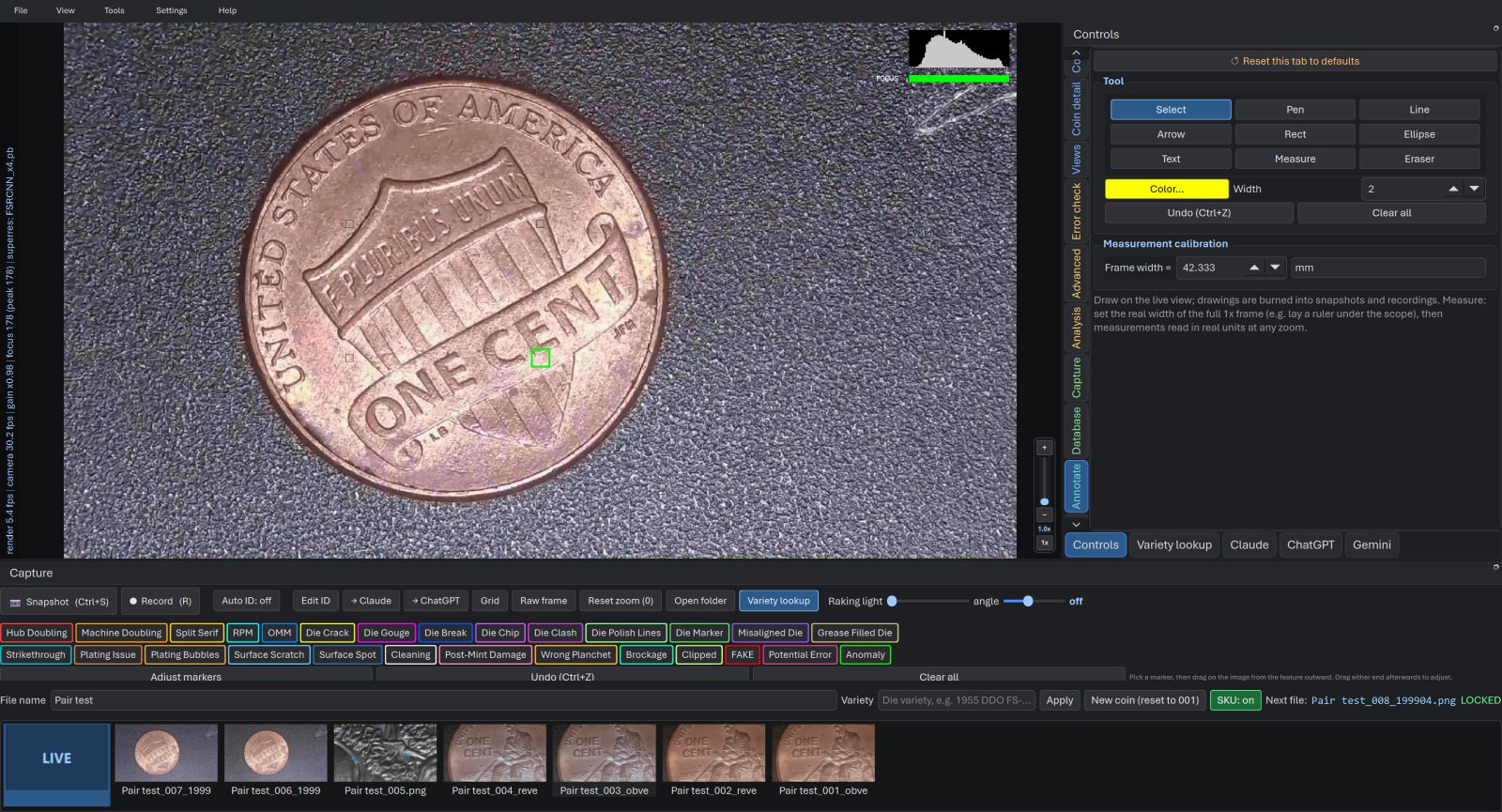
Annotate
Mark up a photograph for a submission, a listing or a forum post, without altering the original.
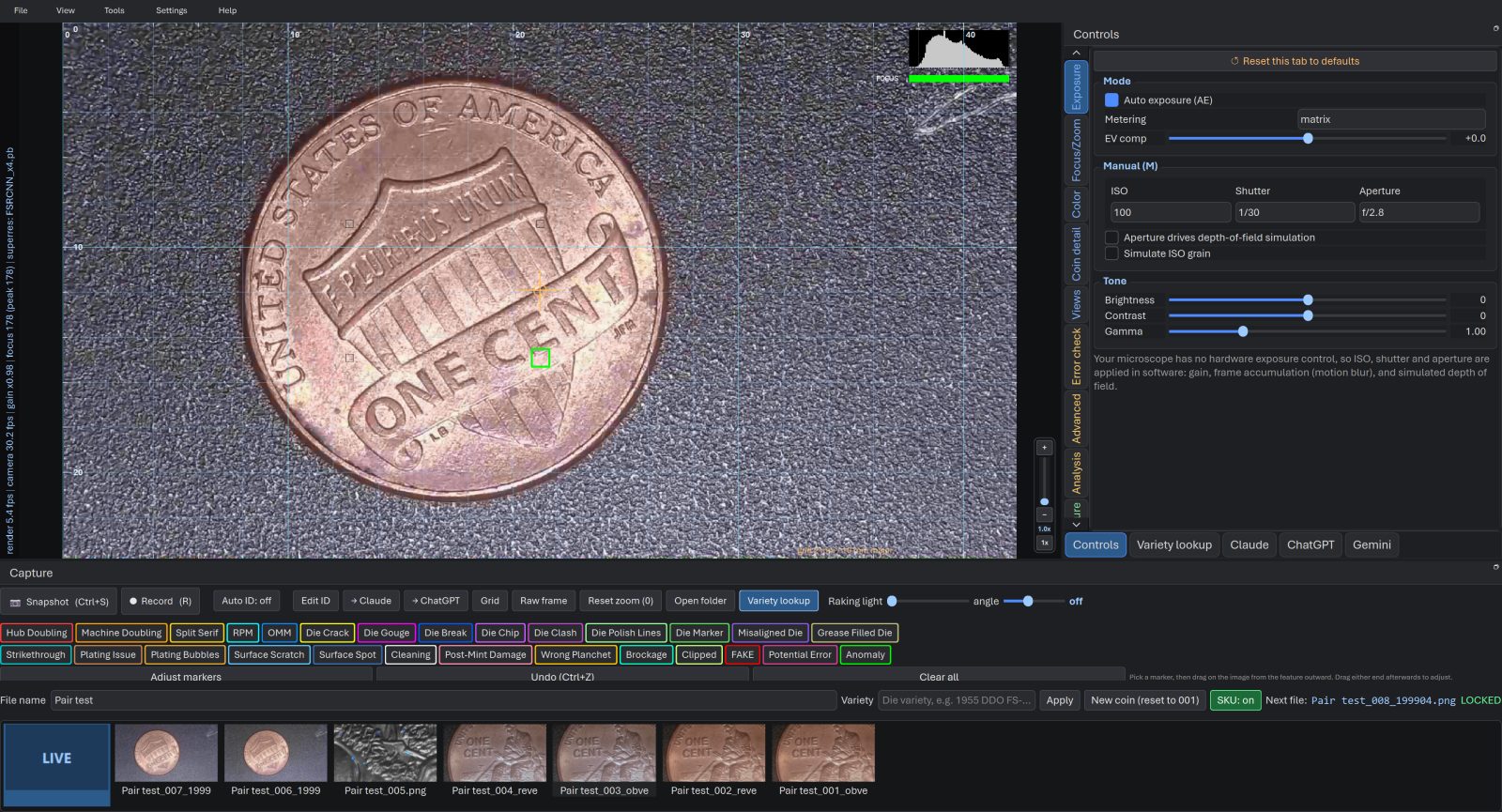
Focal grid
Focus points laid out on the coin itself rather than on the frame, so focus is judged where the coin actually is.
See it move
Still pictures cannot show the one test that settles whether a mark is an error or a shadow. The interactive demo lets you drag the light around the coin yourself.